Save web pages as PDF documents for offline access. Bookmark and organize saved files in a personal archive. Share PDFs via email or cloud services. Edit and annotate PDFs directly within the .
Create and manage PDFs without cost. images, scans, and documents into PDFs. Merge multiple PDFs into one file. Share, scan, and print PDFs directly. Access files from iCloud.
The app manages PDF documents by extracting pages, merging files, converting PDFs to images, and creating new PDF documents. It offers a simple interface for reorganizing documents, combining scans, or exporting pages for sharing.
View secured and non-secured PDF documents. Open non-protected files without login. Access DRM-protected files after logging in. Supports viewing and navigation within PDF files.
Download PDF files using an inbuilt browser and read them offline. Search the internet for files and download multiple documents at once. Bookmark pages, mark favorites, and share files. No download limits are applied.
Edit and convert PDF files, scan documents, merge or split pages, fill forms, reorder content, and add watermarks. Secure files with passwords or encryption. Export in various formats and share directly.
GLOBILE BILISIM BILGISAYAR HIZMETLERI ILETISIM DANISMANLIK SANAYI TICARET LIMITED SIRKETI
Store files, view documents, transfer photos
Store, view, and manage documents on iPhone, iPad, or iPod Touch. Access photo library from PC or Mac via Wi-Fi for batch downloads. Upload photos from PC to device via Wi-Fi. Transfer files between devices without needing iTunes.
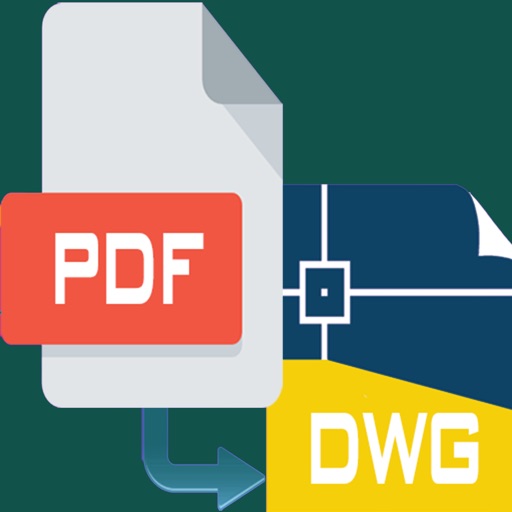
PDF files to editable DWG format with high clarity. Edit lines, arcs, and text directly. Supports polylines, splines, and images. Export as DWG for use in . Remove or adjust elements as in native drawings.
Manage and edit documents by merging, splitting, converting, and extracting text from PDFs, images, and Word files. Create single PDFs from multiple files, organize documents, and convert between formats. Extract text for editing or sharing.