Display current time and date with customizable settings. Show screen savers every hour and access a settings toolbar. Enable a store for additional features. Includes improved advertisements.
by Eddy Street Productions, LLC★ 4.326 ratingsUtilities$2.99Data updated 2026-09-14
Customize home screen with widgets for displaying information. Add multiple widgets with unique styles and sizes. Adjust layouts, backgrounds, fonts, colors, and images. Use pre-made templates offline or download backgrounds online.
Adjust lock screen positions with spacers. Choose from two sizes and an inline option for date style customization. Set a custom message above the clock via settings.
Check your makeup, hair, and teeth with functionality. Adjust the color and brightness of the built-in . Take photos or record videos. No ads and free to use. Share feedback through the contact option in settings.
Display time and date in full screen with landscape or portrait orientation. Switch between 12-hour and 24-hour formats. Toggle dark and light modes. Choose between flip clock and analog clock styles. Enable or disable flip animation.
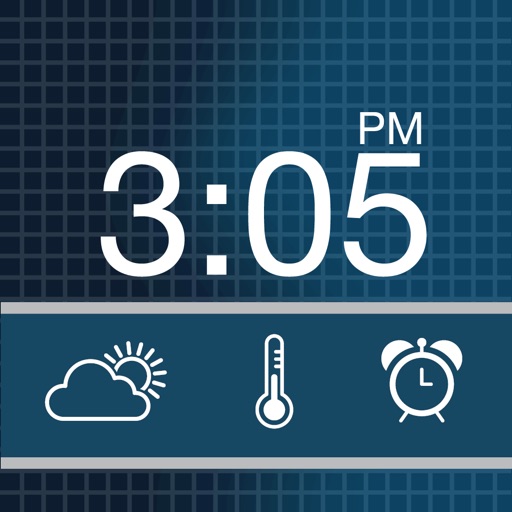
The app transforms a device into a nightstand alarm clock with custom themes and music alarms. It displays weather conditions with custom icons and offers a snooze feature with a countdown.
Turns your Mac into a music-based alarm clock with customizable sounds and multiple alarms. Set snooze intervals, schedule alarms for specific dates or weekly cycles, and fade in volume and screen brightness. Launch apps or files at alarm time.
The app offers a collection of premium gold analog clocks for iOS devices. Users can swipe to switch styles, show or hide the date and seconds, set reminders, and adjust brightness.