
Apps Like Photo Formation for iPhone and iPad
Edit photos and create 3D paper formations
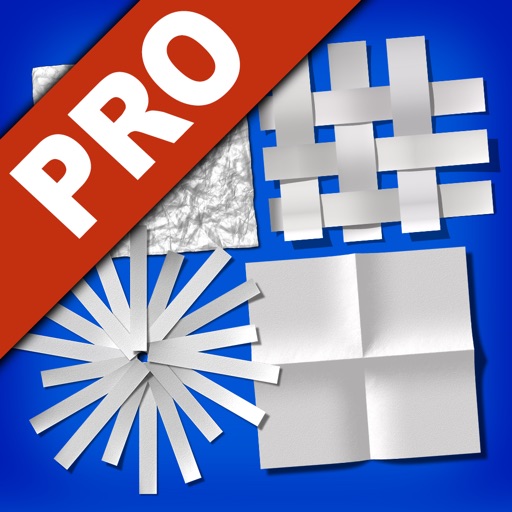
Edit photos by transforming them into creative paper formations with 3D light effects for detailed shadows. Fragment, join, weave, rip, and fold images with realistic creases and bends. Use one-touch presets or randomize for varied effects.
Photo Formation screenshots
Ranked alternatives
Showing 121–140 of 1,000 ranked alternatives.


Bokeh Cam FX : Add Light Shape
Ki Tat Chung
Add beautiful light effects to photos.
The app allows users to add bokeh light effects to photos with adjustable size and opacity. It includes various shapes like hearts and stars, and offers photo tuning tools such as brightness and contrast.

PixaMotion 3d Photo Video Loop
IMAGIX AI Private Limited
Animate photos, create videos, design moving backgrounds
Create animated live photos and moving backgrounds with motion effects. Add animations to static images. Edit videos with transition effects and background motion. Share finished animations directly from the .

Image Filter Photo Editor Tool
Paul Adam
Apply filters to photos and videos
Apply color filters, adjust hues, and invert colors for editing. Add comic book effects, create monochrome tones, and map colors using custom gradients. Export edited images directly.

Piercings Photo Booth - Body Piercing Photo Effect for MSQRD Instagram ProCamera SymplyHDR InstaBeauty
Vitaliy Odarchenko
Try styles instantly
Try different styles with realistic effects. Choose from face, ear, belly, labret, teat, and nose categories. Select from over 300 objects. Adjust placement and size for custom looks. Share edited photos directly.

Portrait Painter
JixiPix, LLC
Create painted portraits from photos
Create gallery-style portraits from images using automatic painting tools. Add color, light, and texture for realistic effects. Choose between classic-style brushes or modern-colored options. Save and share finished artworks.

AI Face Body Editor - FacePlus
88 BILISIM YAZILIM ANONIM SIRKETI
Edit photos with one tap
Edit photos with advanced filters, backgrounds, and effects. Adjust skin tone, eyes, and facial features. Add text, stickers, and borders. Export in various formats and share directly.

Photo Focus: Blur Effects
丽譞 牛
Focus select, apply, details keep
Edit photos by selecting focus areas with smart selection tools. Apply to background while keeping subject in focus. Choose from nine including motion and zoom. Pan and zoom quickly for precise adjustments.

Aviary: Photo Editor, Airbrush
士昌 苑
Edit photos and share creations
Enhance photos with Hi-Def, Scenery, Food, Portrait, and Night modes. Apply over 100 free and purchasable filters. Add stickers, frames, and overlays. Touch up selfies with redey tool. Share edited photos directly.


Bristles AI: Paint & Design
Bristles, Inc
Upload photos, apply colors, preview mock-ups
Upload photos to visualize color changes and mock-ups on furniture, rooms, and cars. Apply finishes and products instantly. Export images or video time-lapses of transformations. Create before-and-after visuals for home decor, vehicles, and more.

PhotoMania - Photo Effects
Trionity Web Services Ltd
Edit photos with creative cards and filters
Edit photos with auto enhancement, artistic sketches, beautiful paintings, and funny cartoons. Apply 700+ filters and . Add frames and stickers. Share edited photos directly.


iContrast
福恩 毛
Shape highlights shadows and midtones.
The app allows users to adjust highlights, shadows, and midtones for color or a balanced look. It offers a live split preview, curated presets, and the ability to save custom effect settings.

Woola-AI photo intelligent
Beijing Knowledge Burning Education Technology Co., Ltd.
Turn photos into dynamic videos
Create dynamic videos from photos using AI templates and effects. Add text, stickers, and music. Choose from various styles and clothing options. Edit and export videos directly. Share finished videos on social media.

How we rank alternatives
Apps are ranked by functional similarity, category fit, rating confidence, and popularity.