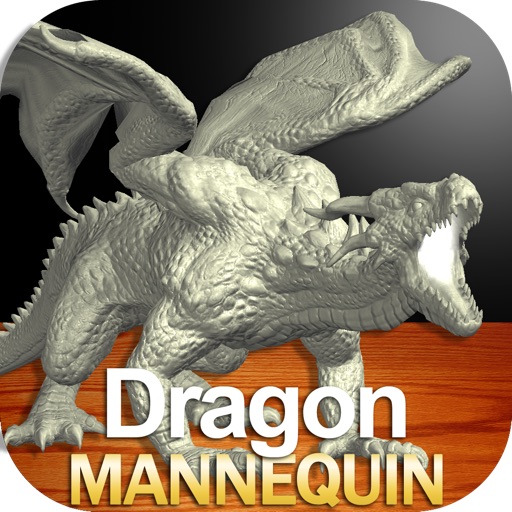
Draw a with poseable limbs and adjustable joints for custom poses. Use reference tools and skins to enhance detail and realism. Adjust camera angles and select backgrounds and platforms for accurate drawing.
by Clayton Kashuba★ 4.653 ratingsEducationFreeData updated 2026-09-14
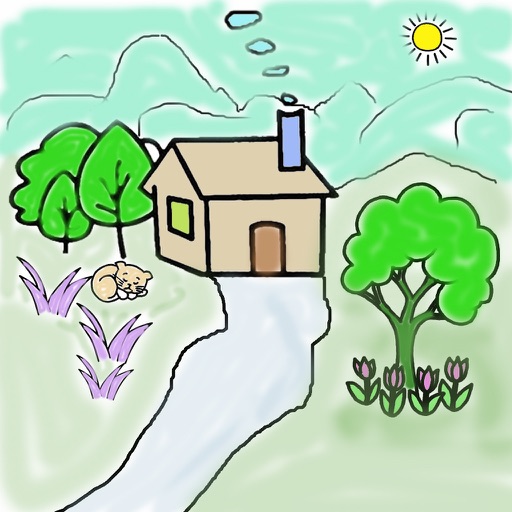
Color pictures with a variety of tools and colors. Draw on blank pages with easy zoom. Replay videos of drawing sessions. Access a collection of funny and realistic images for and sketching.
Color images for relaxation and creativity. Draw on blank pages with realistic painting tools. Zoom in easily for detailed work. Watch video replays of drawings. Access a variety of themed pictures for .
The app offers tools for creating comic strips using a gallery of characters and backgrounds. Users can position characters, add accessories, and fill speech balloons to create and share comic scenes.
The app provides a roulette wheel for users to draw numbers. Spinning the wheel builds tension for games with friends or for drawing winning numbers for lotto.
Capture photos of the moon by aligning the camera manually. Adjust moon size with two fingers. Tap to autofocus or manually adjust focus. Modify brightness using +/- buttons for better detail. Press the circular button to take a photo.
Add animated stickers of a cartoon character in various poses and expressions. Customize messages by combining text with character images. Share stickers across platforms and use them in text conversations.
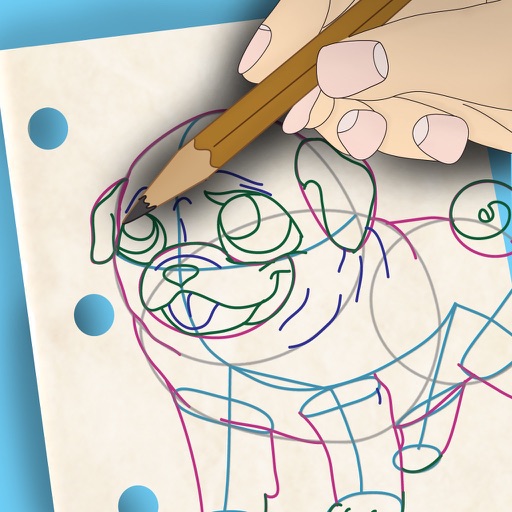
Color pictures with realistic painting tools and save custom creations. Access a variety of pre-drawn images for . Draw freely on a blank canvas with zoom functionality. Watch video tutorials for drawing techniques. Share completed artwork.
Let children color pages with touch-based drawing tools. Choose from multiple color options and erase mistakes. Save completed drawings and share via social media or email.
Allows users to create drawings with various tools and colors. Features include undo, redo, and erasing. Users can save and share artwork. The includes guided drawing activities and educational content. No ads or personal data collection.
Draw and share chemical structures with interactive tools. Calculate molecular formula, molecular weight, monoisotopic mass, and elemental composition in real time during drawing.
Draw dots by pressing one finger, adjusting size based on press duration. Create lines and shapes with multiple fingers. Manipulate polygons by moving vertices. Export drawings in various formats. Share creations directly.
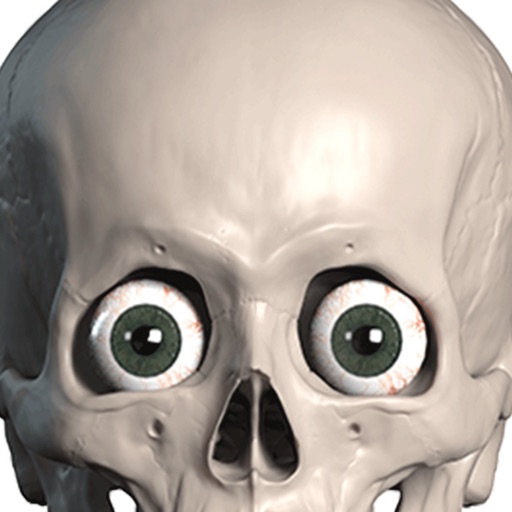
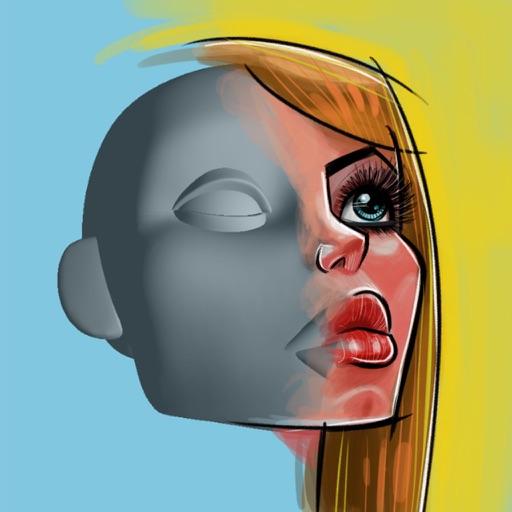
3D allows users to practice drawing heads from different angles. Features include rotating and positioning heads, adjusting facial features, and observing form movement. Users can create and save custom poses.