Create and organize custom iMessage packs using personal images from Files or Photos. Edit packs with custom icons. Mark stickers as favorites for quick access. View recently sent stickers. Reorder stickers and packs. Adjust sizes.
by Iordan Guerguiev★ 4.630 ratingsSocial NetworkingFreeData updated 2026-09-14
Create and customize personalized emojis with pinch gestures for resizing, flipping, and positioning. Save creations to the gallery and send as emojis or stickers in supported apps. Edit and design unique emoticons for text messaging.
Send messages with animated stickers featuring characters from including Mabel, Dipper, Soos, Grunkle Stan, and Waddles. Include 24 stickers in the pack. Add stickers to iMessage conversations. Select from themed animations and character designs.
Add stickers of characters from different to messages. Features include Mickey Mouse, Snow White, Aristocats, Genie, and other classic characters. Includes themed sticker packs for messaging apps.
Use HD stickers and illustrations to enhance messages. Add stickers to text or images. Share directly in chats and social media. Customize sticker size and position. Save favorite stickers for quick access.
Manage accounts, generate AI stickers, organize groups,
Manage multiple web accounts and switch between them seamlessly. Create and organize groups and channels. Generate AI stickers and take instant notes. Enhance workflow with AI-driven tools.
Add fright and festivity to messages with animated stickers of Jack Skellington, Sally, Sandy Claws, and Oogie Boogie. Include accessories like the walking bathtub and scary present.
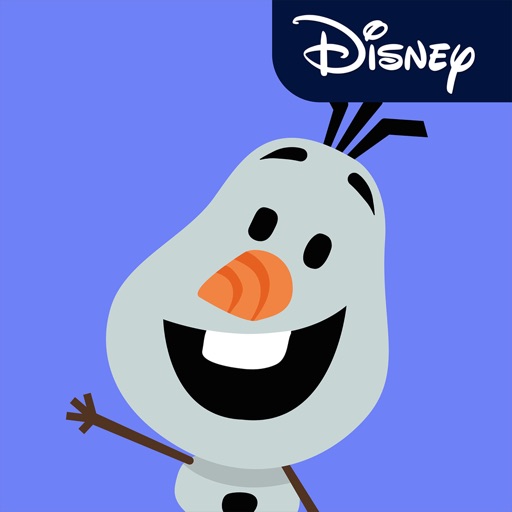
Add -themed stickers to iMessages featuring characters like Elsa, Anna, Olaf, and Snowgies. Tap the Store icon in iMessage to install. Use stickers in conversations by tapping the sticker icon and selecting from the pack.
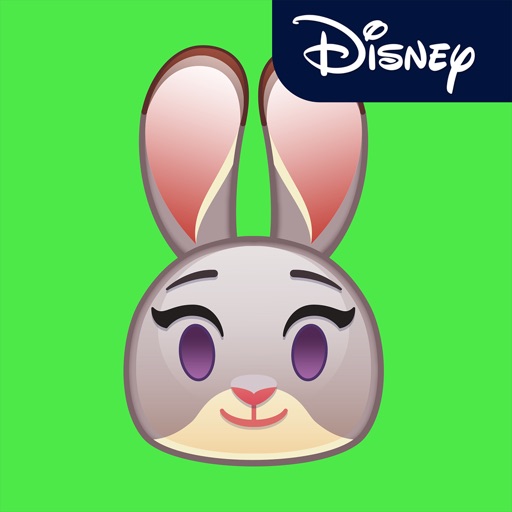
Add stickers of characters to iMessages. Choose from Judy Hopps, Nick Wilde, and other favorites. Tap to send stickers directly in conversations. Browse and install via the Store within iMessage.
Create and customize with text, images, and drawings. Edit and save with options to view, replace, and delete. Remove image backgrounds using AI. Backup data to iCloud and support dark mode and Siri Shortcuts.
Clean Now helps users scan and clean duplicate photos, similar shots, Live Photos, screenshots, and old videos. It reclaims space using intelligent algorithms. Organized photos are sorted by year and month for easy browsing.
Use -themed stickers to add humor and personality to messages. Choose from playful expressions and share them in chats. Customize sticker packs and save favorites for quick access.
Create and manage albums with categories, counts, and icons. Track collections, share albums via social networks, compare collections with others, and organize stickers digitally.