Explore aircraft systems with interactive for the 737 NG. Manipulate components to observe system responses. Simulate emergencies and apply checklists to resolve issues.
Allows users to perform calculations for and engineering parameters. It includes formulas and definitions for each calculation. Users can compute force, friction, centripetal force, work, power, displacement, and more.
Learn 6th subjects like math, science, and language through interactive . Practice statistics, algebra, biology, and geometry. Improve vocabulary, reading, and critical thinking skills. Complete lessons and activities to reinforce concepts.
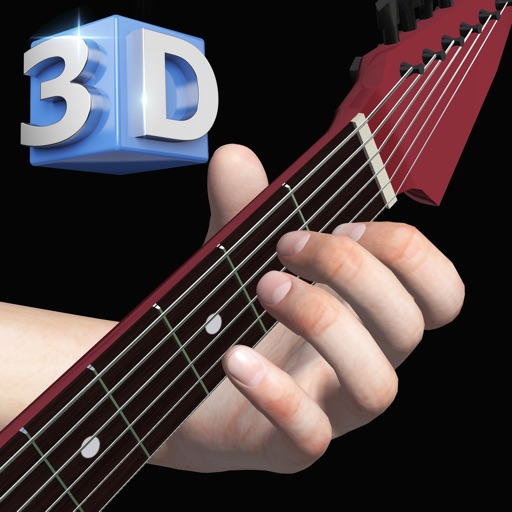
View and learn diagrams for all standard chords. Strum chords to hear their sound or individual strings for note recognition. Switch between left-handed and right-handed displays. Choose from standard, baritone, or D tunings.
Record sensor data from smartphone or connected devices. Log experiments, save measurements, and create graphs. Share findings and export data files. Track environmental variables like light, sound, and temperature.
Learn and strumming techniques through interactive 3D visuals. Compose chord sequences and view finger movements from multiple angles. Practice with virtual playback and customize chord timelines.
Explore aircraft systems with interactive diagrams
Learn about aircraft systems and limitations through organized chapters based on the POH. Explore interactive diagrams to tap on components and see system changes.
Access short video clips, read articles, and view random quotations. Set alarms for reminders. Engage with experiments and explore content related to self-reflection and mindfulness practices.
Write ideas using a chord keyboard with automatic chord detection. View guitar chord diagrams. Transpose keys or use capo for tuning. Import memos from cloud or other apps. Share notes through various methods.
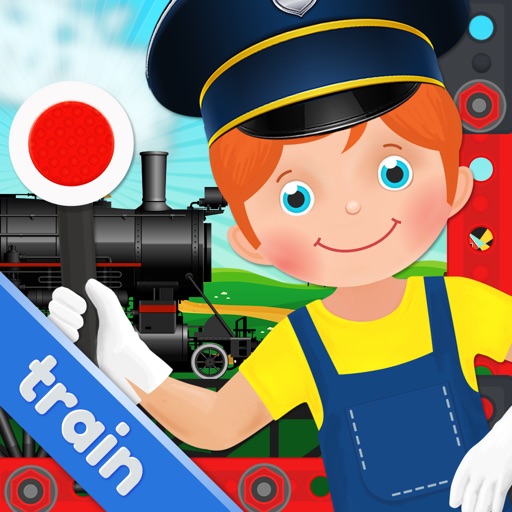
Build trains using customizable parts like engines, wheels, and smokestacks. Add features such as brakes and headlights. Save and share completed designs. Adjust details and preview the final model.
Snap or upload problems for instant, step-by-step solutions. View detailed explanations and formulas. Save and revisit solved problems. Share solutions via email or messaging.
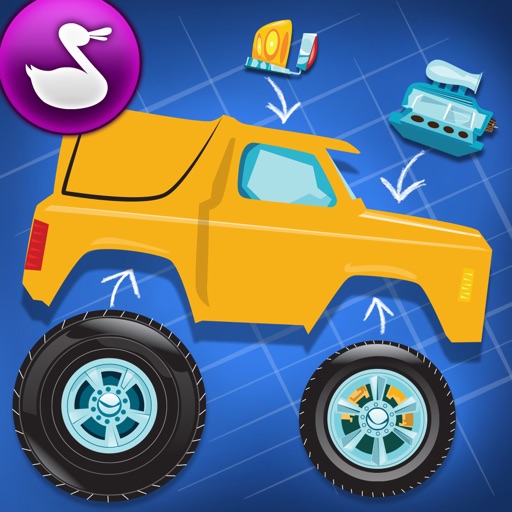
Customize monster trucks by selecting bodies, paint, decals, and parts. Adjust physics settings like speed, torque, and friction. Race trucks on tracks and test performance based on design choices.