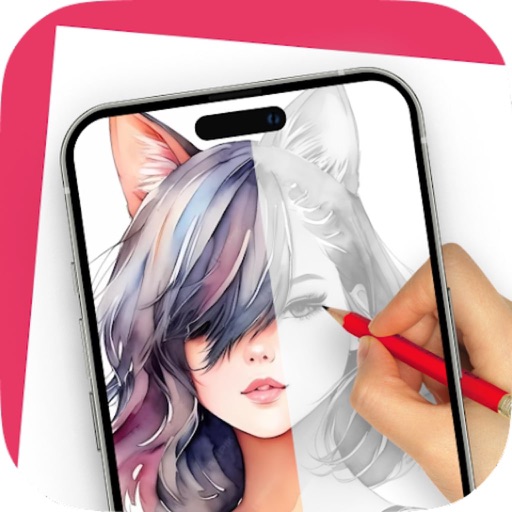
Convert photos to artistic pencil sketches with one-click processing. Compare before and after images. Customize backgrounds with 100 paper textures and colors. Apply colorization tools for enhanced detail. Export edited images directly.
Edit PDFs with text editing, signature tools, and drawing features. Annotate pages with highlights, comments, and stamps. Convert files to other formats and manage documents through organization and sharing options.
Draw sketches using brushes and tools with support for Apple Pencil. Create layered artwork and zoom for detailed painting. Import and export vector images in PDF, PNG, and JPEG formats. Use color or photo backgrounds. Save artwork for later.
And multiple images at once. Mirror selfies and correct photo orientation. Support for JPG, PNG, HEIC, WebP, and other formats. Preserves image quality during edits. No complex features required.
Convert PDFs to Word documents and export pages as JPG or PNG. Scan documents, receipts, and IDs with auto-crop and perspective correction. Edit files by adding text, highlights, and signatures.
Edit photos with mosaic, pixelation, vignette, overlays, and HDR effects. Apply shattering effects with real-time adjustments. Export edited images in various formats and share directly.
Read PDF files stored locally on your device. Open password-protected documents. Choose display modes including single page, two-page, book mode, or full-screen. Load large PDFs quickly with advanced technology.