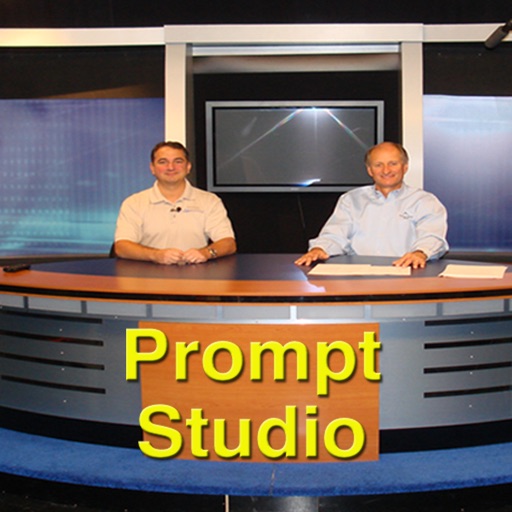
Display prompts from WinPlus-IP software on an iPad. View and navigate through scripts in real time. Adjust text size and formatting. Sync with compatible software for live updates.
by VIDENDUM PLC★ 0.00 ratingsPhoto & VideoFreeData updated 2026-09-14
A that scrolls text as you read. Display scripts on iPad with Zoom in multitasking mode. Overlay text during video calls. Free for scripts up to 750 characters. Works on all iOS devices.
Record prompts while video recording in portrait or landscape mode. Adjust colors and select auto or manual control for speed and direction. Watch recorded videos and sync prompts from a computer via iTunes.
Convert text prompts into AI-generated videos by selecting a style and model. Edit clips, add music, and export in various formats. Share videos directly from the .
Edit videos by selecting photos or clips, adding text, and using AI to generate content. Apply filters, adjust timing, and export for social media platforms. Share directly or save in multiple formats.
Nime-style artwork by entering prompts or selecting prewritten options. Choose character gender and customize details. Save and share generated images directly.
The app offers video editing tools including trimming, merging clips, and adding text or animated titles. Users can adjust video display, speed, and apply various filters and transitions.
Create videos from text prompts with AI-generated scenes. Select styles like dreamy or cinematic. Choose length and format. Fine-tune details for customization. Export final videos for sharing. Requires subscription for full features.
Edit photos using Powerful Fill, which generates realistic content based on text prompts in 419 languages. Add hidden messages to images. Export edited photos in various formats. Share directly from the .
Create digital artwork from text prompts using AI- images. Choose from anime, realistic, or artistic styles. Edit and enhance images with a hand drawing tool. Save and share visuals.
Create AI-generated artwork by entering a prompt and selecting a style. Generate up to 5 pieces daily without watermarks. Save and share creations directly. Own generated artwork without restrictions.
Detect ghosts by moving the phone slowly until they appear on screen. Ask predefined questions and receive responses. View appearances and interact with on-screen prompts.
Record video with a , generate AI , and auto-generate scripts. Edit , adjust text size and speed, and export videos. Sync with external devices and control playback manually.
Edit photos with filters, cropping, and AI enhancements. Adjust colors and brightness. Add text, stickers, and overlays. Create collages and cards. Edit videos with trimming, transitions, and effects. logos, flyers, and social media content.
Create -style art from photos using AI Anime Effect. Generate images with AI prompts for creative customization. Apply filters to enhance and stylize visuals. Export and share transformed images directly.
Record videos and live streams with automatic scrolling. Paste or sync scripts to the panel and start recording. View lines in real-time while filming or streaming. Adjust text size and speed for optimal visibility.
Create art by inputting prompts and selecting image sizes. Generate visuals using AI technology. Edit and refine generated images. Export artwork in various formats. Share creations directly from the .
Transfer photos and videos from compatible cameras to smartphones via Wi-Fi. View live feed to control settings remotely. Access location data and to services for additional features.