Decorate chat rooms with a variety of flower stickers. Select and send stickers directly from message threads. Customize conversations with visual elements.
by Yenty Jap★ 0.00 ratingsStickers$0.99Data updated 2026-09-14
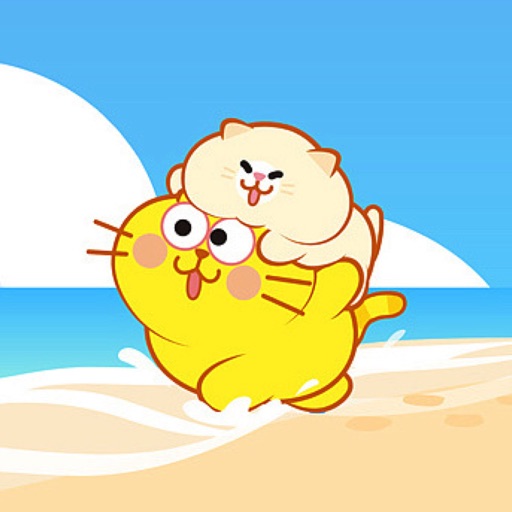
Send stickers of , an adorable cat, in iMessage. Tap to send, drag onto messages, and resize or rotate with two fingers. Includes 18 free stickers and 33 total. Automatically added to iMessage after download.
Add to messages by tapping. Place on top of message bubbles or photos by tapping and holding. Layer in conversations. Scale and rotate using a second finger before placement.
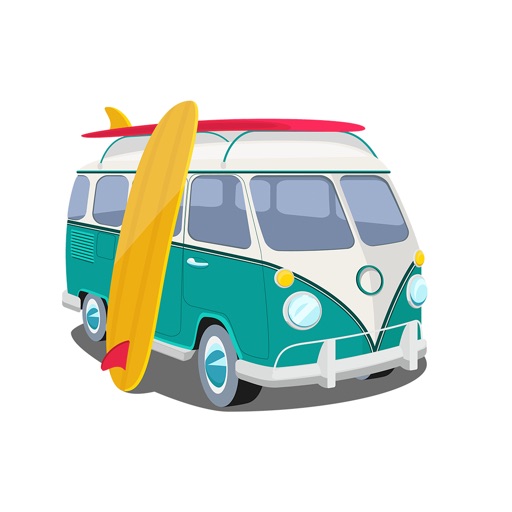
Send featuring silly expressions and campground humor. Choose from a variety of animated images. Add to messages via the Messages by selecting the sticker icon.
Send directly within iMessages and WhatsApp conversations. Tap to select and send pre-designed images that express emotions or add humor. Customize sticker packs with themed designs for different occasions.
Send animated stickers in iMessage conversations. Choose from 100 high-resolution animated stickers. Include 34 free stickers with option to purchase the full pack. Add humor and expression through customizable sticker interactions.
Send animated stickers in iMessage to enhance conversations. Choose from 70 high-resolution animated stickers. Includes 22 free stickers; purchase for full access. Share emotions and reactions with playful, customizable expressions.
Add stickers to messages by tapping to select. Place stickers on message bubbles or photos by tapping and holding to position. Layer stickers for creative expression.
Use stickers with animations to enhance messages. Include unicorns, bunnies, butterflies, flowers, hearts, ponies, castles, and rainbows. Add decorative elements like stars and detailed designs. Share customized messages with animated stickers.
Send stickers by tapping a single button in iMessage. Choose from various cute characters to enhance conversations. Add stickers to the message store and place them directly on messages.
Add stickers to iMessages with characters like Ariel, Rapunzel, and Mulan. Scale, rotate, and layer stickers in chats. Place stickers on photos sent or received. Access additional packs through the iMessage Store.
Browse and select from a variety of stickers to add to messages. Customize sticker packs with user-submitted phrases and expressions. Share stickers directly within chat conversations.
Send and customize stickers within iMessages. Choose from 12 animated and expressive stickers. Add stickers to conversations, resize, and position them freely. Share sticker pack with contacts.
Use to add visuals to messages. Tap to insert into message field or drag to position on a bubble. Access a collection of themed for casual communication.
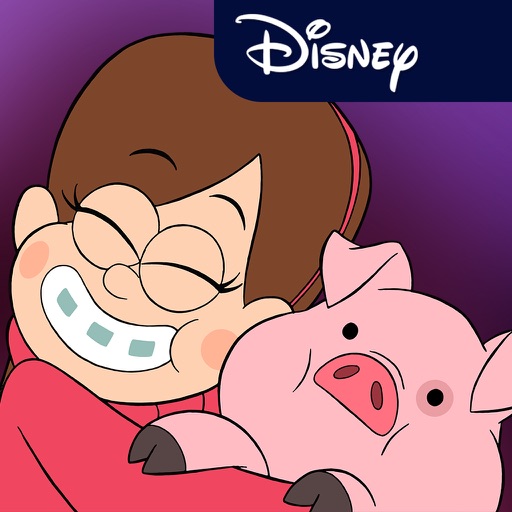
Send messages with animated stickers featuring characters from including Mabel, Dipper, Soos, Grunkle Stan, and Waddles. Include 24 stickers in the pack. Add stickers to iMessage conversations. Select from themed animations and character designs.