Mark objects on the map and align them with real-world images from the camera. View mapped locations with camera input. Use for direction and navigation.
by Pawel Mitek★ 4.470 ratingsNavigationFreeData updated 2026-09-14
Detect from images or photos and highlight it on the screen. Select images from the gallery or capture new ones with the camera. Zoom in on the bottom of the to verify selections.
Swipe through satellite images to identify villages and structures in crisis areas. Mark locations to aid humanitarian efforts. Share findings to support mapping initiatives for vulnerable populations.
View real-time locations and service updates. Track train arrivals and departures. Check station access points and transfer options. Reroute for current service changes. Share map data with other users.
Pro displays a 3D floating with true and magnetic modes using a damped rosette-style ring. It shows local sun and moon positions that update in real time. Users can adjust settings and view directional data.
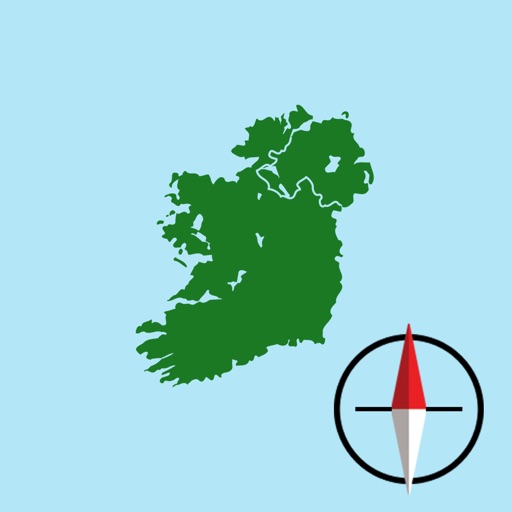
The app displays the user's current location on a map of Ireland or Northern Ireland. It provides the Irish Grid Reference, compass bearing, and latitude/longitude in OSGB36 and WGS84 formats, along with GPS signal strength.
The app uses location, compass, and camera sensors to help align a satellite dish. It provides calculated values for azimuth, elevation, and tilt to guide the user.
Create designs with unlimited styling options. Choose from preset themes or save personal layouts. Add and resize pointers and stickers freely. Switch between magnetic and true North settings.
The app helps users discover color palettes that match their personality. Users can explore 28 custom palettes designed by a color expert to enhance their home's presence.
This displays directions in Japanese or English with a single tap. It shows 16 directional points, precise angles in degrees, and supports switching between cardinal names and abbreviations.
Search locations using addresses or GPS coordinates and save them. Share bookmarks with others or send to multiple map apps. Access map overlays from Google and OpenStreetMap.
View topographic of for hiking, camping, and outdoor activities. Choose between Base Map and Toporama sources. Download for offline use. Track location, elevation, and movement on the map.
Track pressed penny machines globally with a map view and detailed machine information. Mark machines as visited or plan future visits. View addresses, photos, and navigation directions to each machine.
The app offers a compass view with animated wind vectors, temperature, and humidity. It also includes an augmented reality 3-D view and a searchable map view for global weather station data.
The app allows users to update their location status on Facebook and Twitter from a single application. It supports searching for any landmark or location on a map and checking the weather for any location.