Apps Like SoftPads: Background Loop Pads for iPhone and iPad
Music in the
Select ambient in 12 keys to create music. Adjust volume and mix with other tracks. Save and share custom loops. Sync with music software for live performances.
by Forward Sounds, LLC★ 4.541 ratingsMusic$4.99Data updated 2026-10-06
The app provides a novel arrangement of notes for playing music. Sliding a finger produces chords, with higher importance notes and chords surrounding them.
Create and edit audio with multitouch and multi-selection tools. Import tracks from your device. Apply lighting effects that sync with sound duration. Access video tutorials for guidance. Play audio easily on any screen size.
Turn iPhone or iPad into pads and keyboard. Connect via Bluetooth or USB. Assign and name 16 pads. Use full 88-key piano. Select channels and velocity. Control CC and program changes. View message logs. Requires external synth or plugin.
Create beats with a variety of styles including Hip-Hop, Trap, and Electronic. Use high-quality sounds and a user-friendly interface. Access tutorials for beginners. Export and share finished tracks.
Create beats using professional studio samples and preset kits. Record and share beats with friends or the community via social media. Access tutorials and videos to learn production. Apply effects to enhance beats.
Create and edit rhythms with 8 assignable pads and buttons for fills, intros, and endings. Play live sessions with MIDI controls. Synchronize with Ableton Link. Track and record rhythms.
Create and manipulate sounds through multi-touch gestures. Control synthesis parameters by dragging, twisting, and stretching on the screen. Each patch offers unique interactive controls for sound generation.
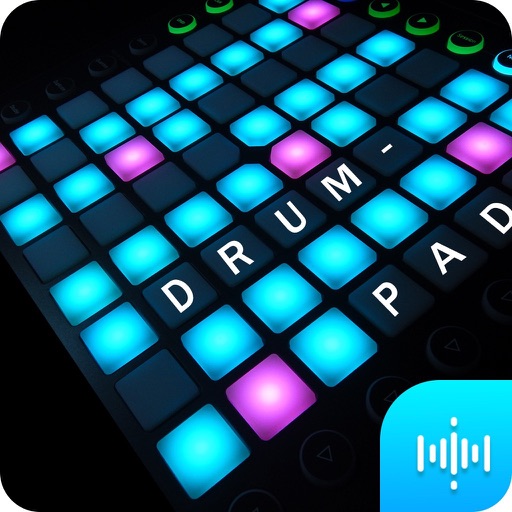
Create beats using a drum pad interface with customizable sound packs. Record up to 32 sequences to build full songs. Edit and arrange patterns with visual feedback. Export tracks in multiple audio formats.