Connect to the device via WiFi to control settings like brightness and volume. Preview camera feeds, playback recorded videos, and transfer media to the phone for viewing, editing, and sharing.
by 运炯 姚★ 0.00 ratingsUtilitiesFreeData updated 2026-09-14
Record and facecam simultaneously with audio. Capture mobile games and apps. Start live streaming or record high-quality video. Quick access to camera for reaction shots. Share recorded content directly.
Monitor homes or businesses with real-time video streaming and motion detection. Record and save videos to cloud storage. Share videos with others. Playback recorded footage. Receive alerts for unusual activity.
Record device with one tap to start or stop full- recording. gameplay, videos, and apps without ads. Save recordings with an accurate timer. Share videos directly. Includes settings for customization.
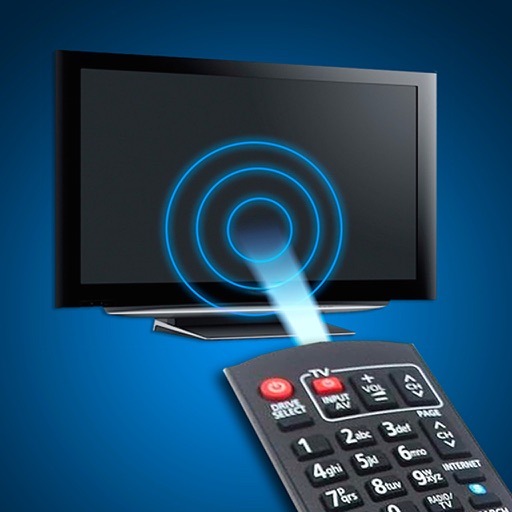
Control TV functions remotely via smartphone. Navigate menus, adjust volume, and select channels. Pair with devices like TCL, Hisense, Philips, JVC, Sharp, and Sanyo. Access built-in apps and manage playback settings directly from the .
Deleted videos and photos with a single tap. Scan camera roll to find and recover lost media. Edit videos using AI tools. Compress to save device space. Clean up camera roll by removing duplicates.
Browse videos and download them directly from the internet. Support all formats. Preview videos before downloading. Pause, resume, and manage multiple downloads. Save videos and music for offline playback.
Add to photos and videos by selecting audio files. Adjust timing to match media length. Export combined files and share via social media or messaging apps.
Smart LED Lightstrip allows users to adjust RGB colors, set brightness levels, and control the device remotely via voice or . It supports scheduling and automation for lighting scenes.
Automatically brightens and videos to enhance details without overexposing. Adjust brightness with a slider and fine-tune using professional editing tools. Apply lighting changes smoothly to videos over time.
Videos recorded on iPhone, iPad, or other devices. Reduce file size for easier sharing. Allow users to manage storage space by minimizing file sizes without losing quality. Export compressed videos to social media or messaging apps.
Control TV functions remotely via iPhone. Adjust volume, change channels, and navigate menus. Automatically detects compatible TVs over WiFi or Ethernet. No setup required if TV is powered on.
Control TV with smartphone as a . Navigate channels, adjust volume, and manage playback. Access settings and system information. Pair directly with device for instant connectivity.
Manage files across devices with transfer, sharing, and remote control. View and respond to notifications. Mirror screens and control device settings remotely. Organize files and folders. Send photos and documents to others.
HEALTH, FITNESS, WELNESS, MEDICAL - IT SOLUTIONS LLC
Monitor home, pets, and belongings
Control CCTV cameras remotely to view live feeds and adjust settings. Monitor home with motion detection alerts and door/window sensors. Receive notifications and access recorded footage. Share live streams with family members.
Monitor real-time activity with live streaming and review recorded videos. Receive motion alerts and share footage securely. Set custom recording schedules and access playback features.
Control dash cam settings via WIFI. Download and edit videos. Share videos directly from the . View real-time footage and manage storage remotely. Adjust recording modes and notification preferences.
Control your camera remotely with . Adjust settings like aperture, shutter speed, and ISO. Use Smart Mode for automatic scene recognition and setting optimization. Trigger focus and exposure adjustments. View live preview and review captured photos.
Play videos in a loop without manual navigation. Create and manage playlists for continuous playback. Share videos via long press. Supports AirPlay for screen mirroring.
Play videos in various formats without conversion. Support for audio playback. Download files to device. Browse SAMBA, FTP, UPnP, and DLNA shares over the network.