FTP client allows users to add, modify, and delete FTP servers. Download and upload multiple files or folders. View files online, create folders, and track progress. Access download and upload history. Sort files by name, date, or size.
The app unarchives files in multiple formats including .zip, .rar, and .7z. It also supports file management through Wi-Fi transfer, iTunes File Sharing, and remote browsing.
The app exports images and PDF files in batches. It offers options to convert multiple images into a single PDF document with customizable settings for page size, compression, and security.
View and manage images in formats like JPG, PNG, HEIC, and WebP. Support for PDF, SVG, and ZIP/RAR archives. Full-screen slideshow with folder browsing. Edit images with basic tools. Save in popular formats including JPEG 2000 and TIFF.
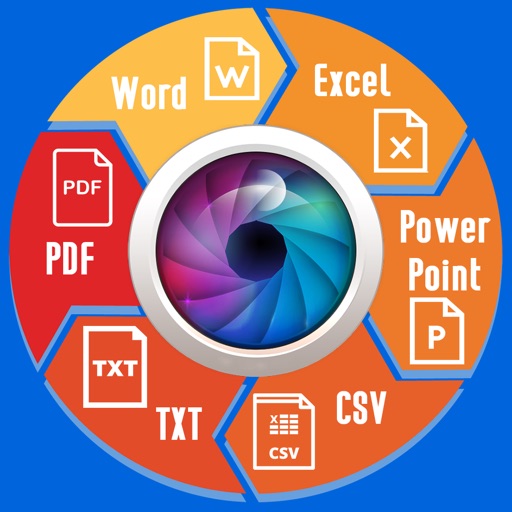
Extract text from scanned images and convert to Word, Excel, or PDF. Edit extracted content in Word or Excel. Convert tables and format from images to Excel or Word. Save as text files or PDFs. No registration required for conversions.
And images between HEIC, JPG, PNG, PDF, WebP, GIF, TIFF, and BMP. Perform batch processing for multiple files. View conversion history with previews and share results directly. Export with improved color profiles and high-quality settings.
Transfer files via SFTP and FTPS protocols. Upload photos and videos in native format with metadata. View image files in gridview. Support for private keys and secure connections.
The app stores and organizes inspired moments from images. It supports numerous image and document formats, with features for automatic import and easy tagging.