Learn to draw with step-by-step . Bookmark favorite designs. Print blank templates via AirPrint. Prevent screen sleep with a lock button. Practice mindfulness during drawing sessions.
Play games by solving problems through drawing on the screen. Choose from addition, subtraction, multiplication, and division. Select from three difficulty levels. Unlock colors as you progress. Use freeform drawing mode for creative problem-solving.
Edit photos by selecting from Camera Roll or taking new shots. Apply real-time effects to create prism-like glass pieces. Adjust frames, shapes, and patterns. Rotate, resize, and drag elements for custom designs. Export and share edited images.
Sketch 3D cars with customizable parts like wheels and boosters. Complete challenging levels and puzzles. Unlock new features and progress through the game. Share creations and compete with others.
Solve puzzles by drawing lines to complete challenges. Complete levels with brain training exercises. Play various puzzle types including connecting parts, saving emojis, and building bridges. Track progress through multiple difficulty stages.
And customize ponies with 5 different characters. Choose hairstyles, colors, and accessories. Add stickers, hairspray, and nail varnish. Take photos, animate ponies, and apply special effects. Watch dance moves and unique animations.
Create and share drawings based on random themes. Compete in real-time battles against other players. Receive AI-generated scores and climb global rankings. Improve skills through themed challenges and practice sessions.
Create and edit drawings with a variety of colors and brushes. Sketch freely and refine details. Save, share, and publish artwork. Include step-by-step process for each drawing. Export in multiple formats and share directly.
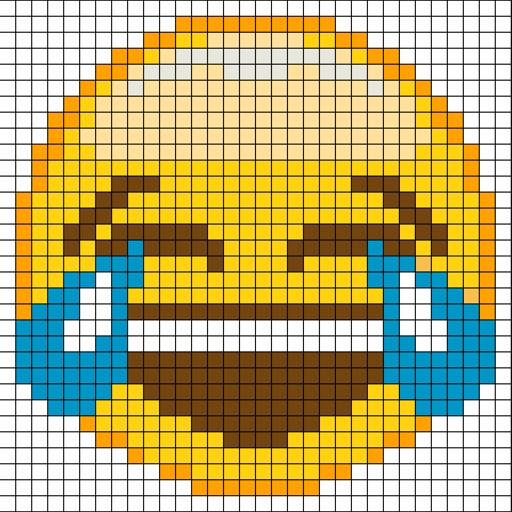
Create by painting individual pixels. Adjust canvas size, select colors, and customize border settings. Erase, undo, and resize drawings. Save artwork to gallery and storage. Share completed pieces others.
Create and customize a stick figure hero. Navigate puzzle levels to defeat the Corruption. Solve challenges, avoid traps, and progress through an expanded world. Unlock new characters and abilities. Share creations and progress with others.
And through interactive . Tap and match to identify them. Listen to voice instructions in multiple languages. Practice reading names of and with text in several languages. Complete puzzles to reinforce learning.
Rotate a central to unlock surrounding circles. Tap to reset progress. Track completed circles and view progress indicators. Share achievements with social media.
The app helps children improve their ability to handle simple objects through a series of puzzles. It responds to each child’s actions with positive guidance and motivation, keeping children interested and engaged.
Play Triscolor by connecting three or more squares of the same color in horizontal or vertical lines to make them disappear. Clear space for new cubes by rearranging and combining squares. Choose between two game modes.
Play by completing missing screen parts with correct shapes. Each level requires different shapes to solve. Earn rewards through custom clearances and progress through imaginative levels.