Import Chinese ePub, add romanization and translation,
Convert ePub files in Simplified or Traditional Chinese to include romanization lines (pinyin, Sidney Lau, Yale) and native language lines (English, Spanish). Export as PDF.
by Jon Hargett★ 4.666 ratingsUtilitiesFreeData updated 2026-09-14
Create and manage Sharespaces as virtual hard drives to store and organize files. Copy, move, delete, rename, and categorize documents. Share files with other apps, devices, or cloud services via supported protocols.
Allows conversion between Hex, Decimal, Octal, Binary, and Dozenal values. Features include large buttons for accurate input, a large display for readability, and gesture-based copy/paste functionality.
Provides a radial menu for launching apps, files, URLs, and paths. Users can customize shortcuts, trigger actions with keyboard or mouse, and paste text directly from the menu.
Visualize files as interactive graphs. Zoom in and out for detailed views. Edit content directly. View selected items in an editable table. Change data types with a pull-down menu. Undo or redo changes. Copy and paste segments.
Convert and OXPS files to high-quality PDFs with JPEG and Flate compression. Batch process multiple documents. Adjust JPEG quality settings. Export converted files for viewing in any PDF reader.
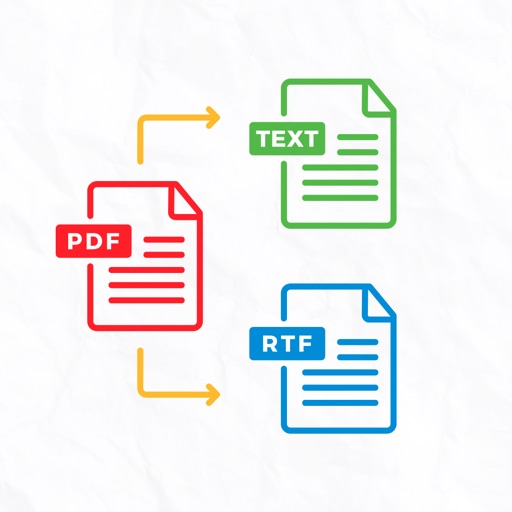
Convert documents between PDF, EPUB, FB2, RTF, TXT, CHM, MOBI, AZW, and DJVU formats. Batch process multiple files at once. Use advanced multi-threading for faster conversions. Maintain formatting during file transformations.
Read PDF documents from iTunes, iCloud Drive, and other apps. Create new PDFs by manually inputting text, using the keyboard, or adding photos, maps, lines, and diagrams. Export created PDFs to multiple applications.
Train and memory retention with exercises that support ePub and files. Read texts while completing drills. Track progress and practice with multilingual support across 36 languages.