Apps Like MotionBook - Draw & Animate for iPhone and iPad
Create flipbook animations frame by frame
Create flipbook animations with frame-by-frame drawing. Use pressure-sensitive pen and eraser tools for artistic effects. Edit with undo/redo features. Add predefined animations and effects. Export and share finished projects.
by 亮 彭★ 4.53,541 ratingsGraphics & DesignFreeData updated 2026-09-14
Use a with custom pen colors and pinch-to-zoom for expanded workspace. Three-finger swipe to undo or redo actions. Auto-save work when closing the . Features include a simple interface for quick use and pro tools for enhanced productivity.
Apply winter-themed to images. Adjust frame opacity and position. Share edited photos directly. Add text overlays and decorative elements. Export in various formats.
Create animated widgets for Lockscreen using iOS 16 features. Add moving transparent elements and live animations. Customize with couple GIFs and dynamic island integration. Share feedback via email.
Record high-resolution video in multiple aspect ratios and frame rates. Adjust focus, exposure, tint, and temperature with swipe gestures. Create and save custom aspect ratios. Crop media or optimize for Instagram using color-based mattes.
Extract high-quality still images from videos or Live Photos. Select and edit frames with built-in tools. View and edited photos directly. Play videos from local storage or iCloud. Scrub through footage for precise frame capture.
Drawing techniques through step-by-step lessons. Create and customize sketches with various tools. Access coloring features and save artwork. Share drawings directly from the . Track progress and revisit previous lessons.
Create slideshows by selecting images from the photo library. Add music from Apple Music or the 's library. Apply filters and special effects to photos. Include text, emojis, and adjust length.
The app offers basic drawing tools for quick creation and image manipulation. Users can add text, resize, rotate, flip, crop, and combine images, with full undo/redo support.
Take multiple photos of an object from different angles. Create a rotating 360-degree view using the flipbook effect. Swipe left or right to navigate through frames. Share the final image or video.
Create illustrations, logos, and UI designs with precise drawing tools. Import and edit graphics. Organize projects in workspaces. Export in multiple formats. Collaborate in real-time with others. Adjust colors, shapes, and layers.
Create AI avatars from selfies in styles like cartoon, manga, 3D, and realistic painting. Customize backgrounds and animation scenes. Export videos or GIFs directly.
Create art with 10 brushes. Adjust brush size and color randomly. Import photos to doodle on. Add drawings to family images for customization. Save and share completed artwork.
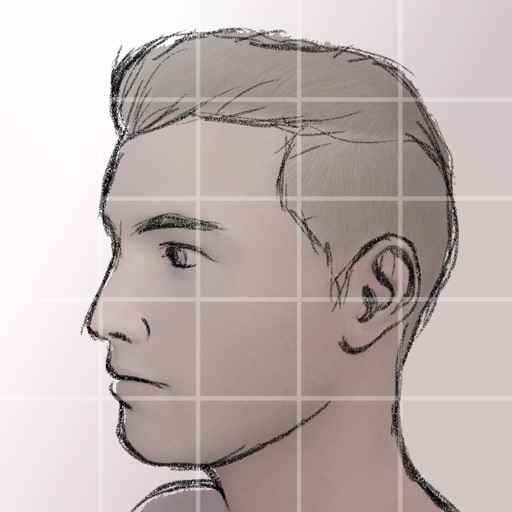
Create silhouettes from side-view photos using AI to detect contours. Adjust the with an eraser and pen tools. Choose between classic black-on-white or unlock color options via in- purchase.