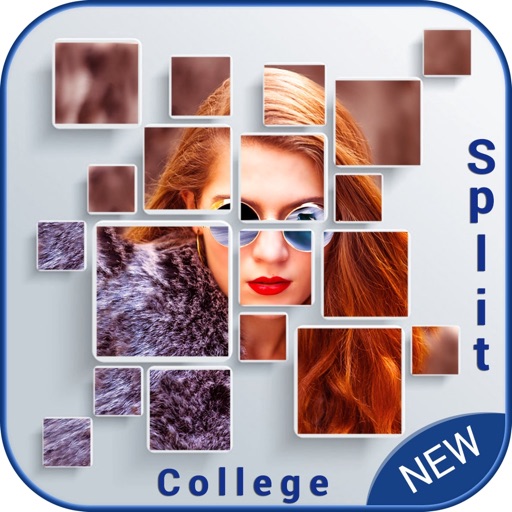
Create collages by selecting multiple photos and choosing from various layouts. Apply filters, add stickers, and include text to edit the . Generate 3D collages with different frames for a realistic 3D effect. Share the final directly.
by Manani Jyotiben★ 2.33 ratingsPhoto & VideoFreeData updated 2026-09-06
Create collages with 100+ frames and pip. Add stylish text and cute stickers. Apply filters and adjust opacity. Flip photos horizontally or vertically. Include special photos with effects and frames.
Edit photos with filters, cropping, and brightness adjustments. Add text overlays for customization. Create collages by combining multiple images. Arrange photos in customizable grid layouts.
Create flipped collages by selecting images from the library and applying predefined styles. Share collages directly to social media with one tap. Update the for improved performance and enhanced user experience.
Access all favorite utility, entertainment, camera, and game in one bundle. Manage multiple devices from a single . Download and install directly within the bundle. Organize and launch with a unified interface.
Create personalized with custom frames and effects. Add multiple photos to make a collage. Design greeting with floral themes. Share finished via email or social media.
Create photo collages using up to 9 images from the photo album. Choose from multiple layouts and sizes. Display collages on the home screen and adjust refresh intervals. Edit selected and view them directly.
Create collages using free layouts and grids. Add stickers, text, and backgrounds. Edit photos with cropping, flipping, and layering. Save and share finished collages or stories. Generate wallpapers from edited images.
Create images using AI by uploading photos of parents or celebrities. Generate realistic portraits in seconds. Save and frame images in a digital album or picture frame. Share results with friends.