Preview and navigate such as PDFs and consecutively numbered images. Open multi-page files from the same directory. Change paging direction and use two-page spread view. Support ZIP and RAR archives for image collections.
by Hiroki Kawakami★ 3.84 ratingsUtilitiesFreeData updated 2026-09-06
, IDs, and books to extract text and images. Edit scanned content with rich tools. Export to office formats like PDF and Word. View and annotate scanned files. Convert between formats.
Crop and rotate images into various shapes. Add text, arrows, and shapes for annotations. Pixelate sections or draw freehand. Share edited photos directly with contacts.
Allows users to classify, sort, and search files across different categories like documents, photos, and videos. Preview files without opening. Remove duplicate photos and videos. Clear phone storage by deleting unnecessary files.
Allows repeat and shuffle functions, displays album art and music information, continues playback when locked or in the background, and supports iPod controls. Edit song metadata including name, album, artist, and cover image.
Read comics, customize layouts, and manage collections
Read comics in a customizable interface with support for CBR, CBZ, CB7, PDF, and ePUB formats. Sync reading progress across all mac devices. Adjust layout, zoom, and page flow settings. Export pages as images.
Read, edit, create, and organize PDFs with annotation tools. Scan documents and convert to PDF. Summarize, generate content, and annotate across multiple files. Securely store and share PDFs without data collection.
Read and manage digital comics and manga in various formats including cbz, cbr, zip, rar, rar5, and pdf. Import comics via Dropbox, Box, OneDrive, or iTunes/Finder file sharing. Browse and organize collections on iPad or iPhone.
Read books and comics in vertical or horizontal layout. Adjust text size and line spacing for comfort. Support left and right page opening. Sync reading progress across devices. Import and organize personal library.
Convert to PDF with layout options including single page or grid. Add , preview, and share the PDF. Customize with cover pages, headers, footers, and resize images to medium or small file sizes.
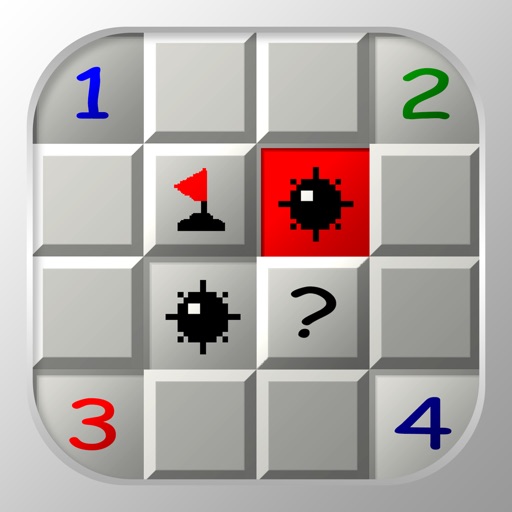
Play with standard game rules. Tap to reveal cells, flag potential mines. Customize game modes, adjust difficulty, and track high scores. Enable sound assistance for hints. Share feedback or report bugs via email.
Convert documents, receipts, and images to PDF using the camera. Scan and save as high-quality files. Add electronic signatures to contracts and forms. Share or email PDFs directly from the .
Write notes with rich text formatting, including bold, italic, and underlining. Adjust fonts, sizes, and colors for emphasis. Create bullet and numbered lists for organization. Attach photos, record audio, and sketch ideas.
Organize and manage files and documents with drag-and-drop sorting and folder creation. Transfer files between devices and back up data securely. Open and download files from cloud storage and LAN servers.
Extract files, manage archives, organize documents
Import files from storage or media and organize them. Open ZIP, 7z, and RAR archives with preview and selective extraction. Protect and unlock archives with passwords. Create new ZIP or 7z archives with adjustable settings.
Extract and compress RAR and ZIP files. Browse and open documents including PDF, DOC, PPT, TXT, PNG, JPG, and GIF. View file contents without additional software. Manage and organize archived files directly within the .
Documents to create high-quality PDF, DOC, EXCEL, TEXT, ZIP, and JPEG files. Auto edge detection simplifies framing. Save and share scanned files directly via email or messaging apps.