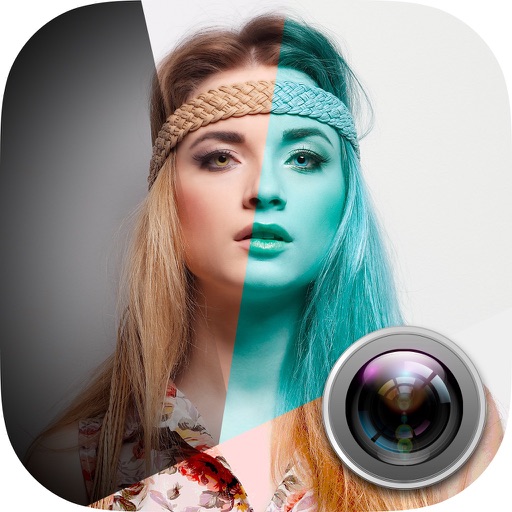
Blur image backgrounds to create effects. Select photos from gallery or capture new images. Apply multiple blurring tools to adjust blur intensity. Export edited photos to device storage.
by Hareshbhai Issamaliya★ 4.2111 ratingsPhoto & VideoFreeData updated 2026-09-14
Edit photos with crop and rotate tools using templates. Apply LUT to change the mood. Adjust colors with color curves. Add blur in various styles. Use basic tools for contrast, brightness, and vignette.
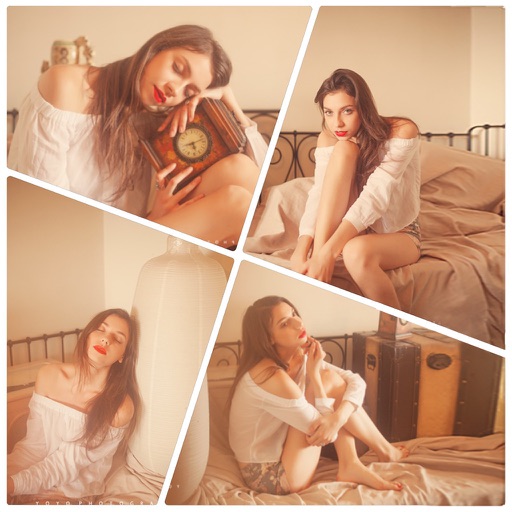
Create collages using 100+ adjustable layouts. Customize with gesture controls and regulation bars for precise adjustments. Choose from beautiful backgrounds and filters. Edit photos with cropping and ratio adjustment tools.
Edit images with 75 standard and 285 custom blend . Adjust luminosity, contrast, and color. Apply 49 effects including spot, hue, and pixelate. Use blur, focus, and crop tools for precise refinement. Export edited images in various formats.
Capture photos with adjustable aperture and optical
Capture photos with DSLR-like quality using prime lenses and adjustable aperture for natural bokeh. Preview focal lengths before shooting. Fine-tune focus and framing in Apple Photos. Launch quickly from Camera Control or Action button.