Edit photos with cropping, resizing, rotation, color adjustment, framing, annotation, and special effect filters. Convert images between formats like PNG, JPEG, GIF, BMP, TIFF, HEIC, and PDF. Stitch photos using templates.
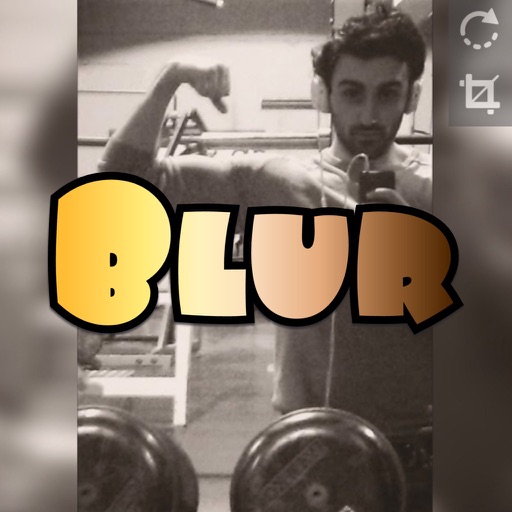
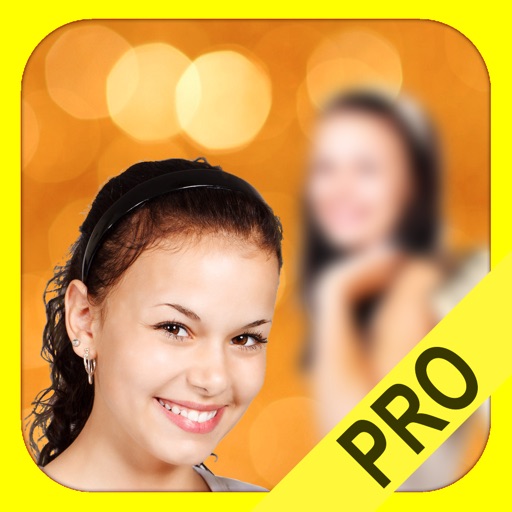
Create blur effects by tracing fingers over photos, automatically corrected for natural results. Zoom in or out with pinching gestures for precise . Check results by tracing over the screen.
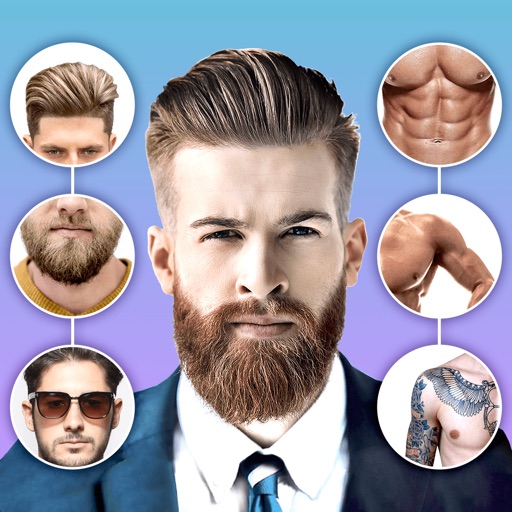
Edit photos with body shape modification tools and hairstyle customization options. Adjust skin tone and facial features. Add filters and effects. Export edited images in various formats and share directly.
The app allows users to select a photo and create a blurred frame effect instead of cropping. Users can adjust the blur and fade effects and save the modified photo to their gallery for sharing.
Play videos in MKV, MOV, MP4, AVI, 3GP, and other formats. Adjust volume and brightness with sliders. Control playback speed and enable lock mode to prevent accidental stops. Create and manage custom playlists.
Edit photos by adjusting facial features like nose and eyes. Apply pre-set filters for enhanced appearance. Use AI to detect photo planes and select Bokeh effects to blur backgrounds. Save and share edited images.
Create collages by arranging multiple photos into a single square layout. Adjust brightness, contrast, and white balance. Crop, rotate, and apply filters.
The app allows users to remix personal photos to create wallpapers for iOS devices. It offers a Home Screen Test Mode and a Live Parallax effect throughout the interface for a sense of depth.
The app adds depth of field to images, creating realistic blurs with Bokeh effects. Users can adjust blur amount, use finger painting to mask focus regions, and share creations on social media or save them.