Communicate silently with text to speech, adjustable voice pitch and speed. Access favorites quickly. Use big, resizing fonts for clarity. Shake device to clear text.
by Jolene Violet Engo★ 4.47 ratingsUtilitiesFreeData updated 2026-09-14
Customize text with a variety of and themes across messaging apps. Apply unique to messages in iMessage, WhatsApp, and other platforms. Change appearance with customizable font styles and colors.
Convert to any desired using an extensive library of user-generated voices. Adjust pitch, tone, and speed. Record, edit, and share messages. Export in multiple audio formats. Apply effects and filters to recordings.
Convert text to audio using text-to-speech technology. Enter or paste text and tap speak to play synthesized speech. Adjust settings and save or share the audio output.
Use over 100 across various styles including boxed, cursive, and bold. Copy and paste directly into compatible apps. Supports dark mode for better visibility.
Text, speech, and images instantly. Convert audio files to text. signs, menus, and documents using the camera. Import photos for text translation. Speak naturally for real-time translations.
Type with larger and clearer text for improved visibility. Adjust key size and layout for easier navigation. Access an accessible keypad for enhanced usability. Send messages with confidence through simplified typing experience.
Convert spoken content from YouTube videos or voice recordings into readable notes. Transcribe audio with accurate speech recognition. Save and organize notes for quick access. Export notes in text format.
Edit with mixing, fade effects, volume control, tone, tempo, and speed adjustments. Use a custom equalizer and undo/redo features. Organize tracks into projects and folders, syncing across iPhone and web.
Convert to using AI voices for articles, emails, and documents. Adjust speed, pitch, and voice settings. content offline without internet. Save and share audio files.
Translate text and speech between over 100 languages with real-time translation. Use voice recognition to speak and translate conversations. Save and share translated text. Switch between languages instantly.
Edit videos by cutting, combining, captioning, overlaying, and animating. Use AI tools for auto captions, text-to-speech, music match, and noise removal. Supports 4K at 60FPS. Remove backgrounds and upscale videos with AI features.
Converts spoken words into text in real time. Users can dictate text instead of typing. Import audio or video files for transcription. Supports multiple languages including English, Chinese, Arabic, and others.
Read PDFs and websites with text-to-speech functionality. Adjust speech rate up to 8x speed. Listen to content in the background. Organize files into unlimited folders. Import content from websites and files. Scan documents using the camera.
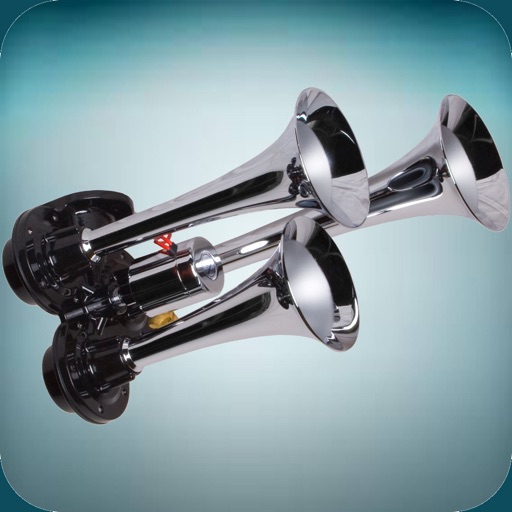
The app offers a variety of loud horn and siren sounds. Users can select sounds like police sirens, air horns, boat horns, and truck horns to use as ringtones or alert sounds.
Create stylish text with customizable and symbols. Add emoticons, text faces, and decorative elements. Design creative captions and text art. Type unique directly using the in any .
Convert to natural-sounding audio with AI-generated voices. Choose from multiple languages and accents. Adjust speed and pitch. Save and share audio files. Supports accessibility and content narration.