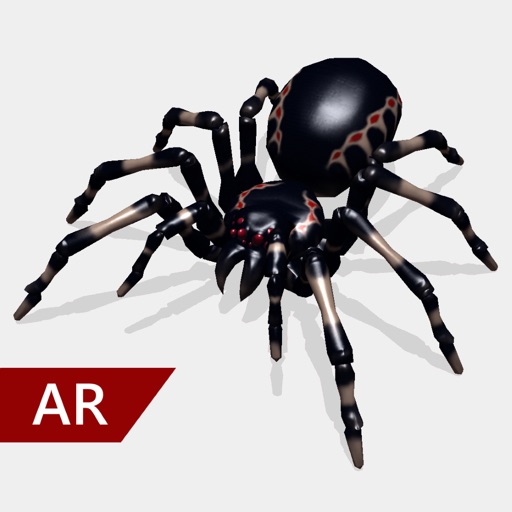
Create and share realistic scary videos featuring interactive . Choose from five spider types and adjust their size. Step on the ground to scare or let them attack. Apply nine full-screen filters to enhance the effect.
by Joachim Mertens★ 4.52,108 ratingsEntertainment$2.99Data updated 2026-11-01
Add spooky ghosts, vampires, and other supernatural entities to photos. Choose from various spooky effects and customize appearance. Share edited photos directly or save to device.
Take a photo of an , spider, or bug to identify it instantly. View detailed information about bites, pests, and related facts. Learn about characteristics, habitats, and potential risks associated with the identified species.
Edit photos and videos with AI-powered face detection and moving object tracking. Anonymize videos by removing faces without uploading data. Crop, adjust colors, and apply filters. Export edited media directly to social platforms.
Create videos by combining photos and videos. Trim and merge media files. Add background music and transitions. Apply filters to enhance videos. Import from photo library. Share on Facebook, Instagram, YouTube, and email.
Run through dynamic levels filled with obstacles and power-ups. Choose a character, navigate challenges, and collect items to enhance gameplay. Compete in timed runs and unlock new characters and worlds.
Create videos quickly with an AI script generator that turns simple ideas into full scripts. Use a for smooth recording, add AI-generated captions, and replace backgrounds with green screen tools.
Read and create chat stories with interactive dialogue options. Choose responses that influence the narrative. Explore stories and unexpected endings. Encounter scary stories within the chat. Mimic real messenger interfaces for immersive engagement.
The app presents a town where users help frogs by feeding them good flies. Users must avoid bad flies, spiders, ants, bats, and birds to prevent the frog from exploding.
Set with high-resolution images. Choose from , girly, and aesthetic themes. Add names and anime characters. Customize with black and blue koala designs. Share and set as default wallpaper.
Watch 3D and VR videos in spherical or cardboard modes. Support 120 FPS playback. Autoplay videos continuously without removing headset. Shuffle video order. Play audio in background mode. Includes roller coaster, horror, and travel categories.
Change eye appearance in photos and videos using face detection. Apply funny eye effects like big, sleepy, or cartoon styles. Choose from makeup options including liners and shadows. Select animal or Halloween-themed eye transformations.
Record videos and live streams with automatic scrolling. Paste or sync scripts to the panel and start recording. View lines in real-time while filming or streaming. Adjust text size and speed for optimal visibility.