Create sketches from photos with adjustable brush settings and layer controls. Choose from multiple art styles including cartoon, silhouette, and watercolor. Edit sketches with tools for tracing, erasing, and color adjustments.
Edit screenshots with redact, highlight, underline, strike, blur, blend, and pixel tools. Create and customize screenshots with notes, text overlays, GIFs, and device mockups. Adjust shadows and fillets for precise styling.
Create videos by selecting photos, adding music, setting effects and timing. Save and share videos or slideshows. Edit photos with trimming, filters, and transitions. Export in various formats and upload to social media.
Create collages by selecting a layout and adding photos. Arrange images in customizable grids or freeform styles. Export collages in various formats and share via social media or messaging apps.
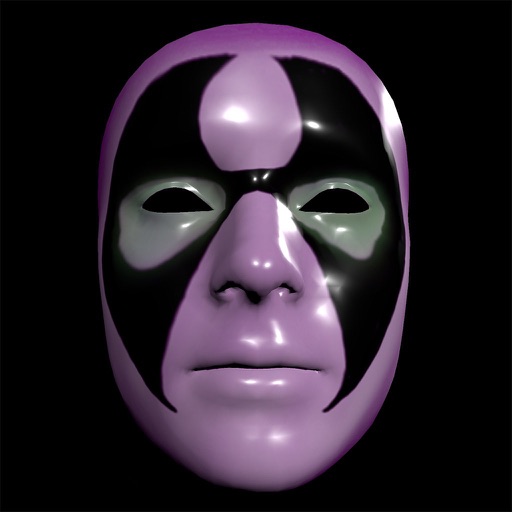
Create and apply custom masks using the iPhone X True Depth Camera for real-time mapping. Edit masks with painting tools, lighting effects, and rotation animations. Access mathematically plotted sci-fi masks.
The app allows users to combine two face photos from their library or camera. It automatically detects faces to create blends that produce humorous results.
Create 3D stereo wigglegrams using dual camera footage. Capture two images from different angles and combine them into an animated 3D effect. Alternatively, generate funny animated GIFs with two photos. Share the final output directly.
The app allows users to create custom wallpapers with 40 preset colors or customizable color settings. Users can add a calendar for one or two months to their Lock Screen or Home Screen.
Arthur Eduardo Skaetta Alvarez Desenvolvimento de Software LTDA.
Blur backgrounds, enhance portraits
Edit photos with blur and AI-powered segmentation to isolate subjects. Apply multiple blur effects and adjust settings for precise results. Export edited images in various formats and share directly.