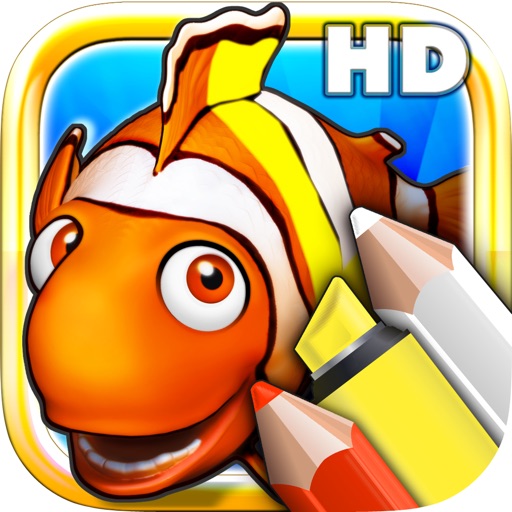
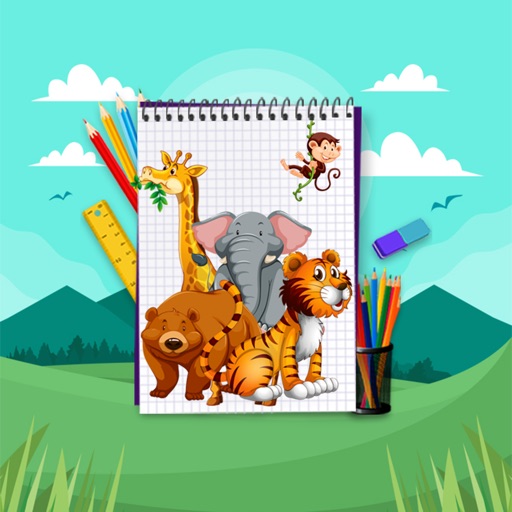
Color and draw animals like lions, tigers, and elephants on a virtual coloring sheet. Select colors, use brushes, and add details to create custom artwork. Save or share completed drawings. Includes printable pages for offline use.
The app allows users to draw by placing paper on an Osmo stand in front of an iPad. Users can select images from a picture, web search, or gallery to draw.
And customize kittens with selection and drawing tools. Bring drawings to life for interactive play. Choose from multiple characters and engage in creative activities.
Use AR to draw on real surfaces by outlines. Share drawings with others. Learn techniques through interactive lessons. Practice new skills in a realistic environment. Export artwork in various formats.
Create colorful dots by tapping the screen. Watch them grow, change size, and disappear to music. Customize ripple speed and size. Draw shapes, letters, and numbers with dots. Improve hand-eye coordination through interactive play.
Create and customize pages with finger drawing and stickers. Add , dinosaurs, and fish to pages. Save completed artwork to the gallery and share with others.
Learn through structured reading exercises with six difficulty levels. Practice vocabulary building with interactive content. Track progress and access reading materials categorized by themes like art and beach environments.
Kids Drawing offers simple pages with animals, cars, and other themes. Users can tap and swipe to color. Includes playful games for interactive learning. Allows saving and sharing of completed artwork.
Explore 20 downloadable packs with over 1000 predefined puzzles. Adjust size and difficulty. Solve puzzles to improve problem-solving skills. Features -themed visuals and educational content for preschool-aged children.