Enhance audio with boosting and equalization. Adjust levels and apply custom effects. Play music from iTunes or Apple Music. Tap speaker icon to instantly boost . Sync with headphones or speakers for optimized .
Take and record audio during sermons or lectures. Sync with audio tracks using time tags. Export files to email or iTunes. Organize entries by date, category, speaker, or location. Transfer data between iOS devices via iCloud. Supports dark mode.
Control multiple devices to play music in different rooms. Adjust volume and select sources per zone. Stream high-quality audio from devices or streaming services. Manage playlists and control playback across rooms.
Stream music from 20 channels including new hits, 80s, chill, and party genres. Play 24/7 without ads. Access content on smart speakers and the website. No additional features listed.
Turn your smartphone into a wireless for audio streaming. Connect to speakers or sound systems for crystal-clear transmission with low latency. Use the intuitive interface to adjust settings and control audio input easily.
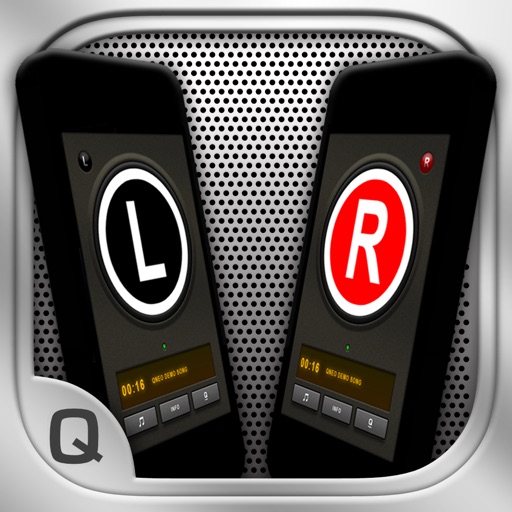
The app allows users to create a wireless stereo speaker system using two iPhones or iPads. It enables live audio streaming between devices and offers adjustable stereo effects, with optional double-display skins and beat-synchronized visuals.
Boost video up to 1500% and enhance audio quality. Save edited videos to Photos or Files. Share results via social apps. Supports common formats like MP4 and MOV. Retains original video quality. Stores history of all edits.
Analyze audio in real time with and FFT measurements. Visualize frequency response and adjust settings for room or speaker tuning. Export measurement data for further analysis.
Offer guided to reduce stress and promote calmness. Users can select sessions to practice mindfulness, access breathing exercises, and track progress over time. Sessions are led by Rev. Dr.
Listen to live stations without ads. Access AM and broadcasts with minimal bandwidth use. Choose from local and national news, sports, and music channels. Customize playback settings and view updated station graphics.
Adjust audio frequencies with a 10-band covering 60Hz to 16kHz. Apply real-time adjustments for bass, mids, and treble. Visualize audio with dynamic graphics. Import and play local files or stream audio directly.
Configure audio settings for headphones and speakers.
The app configures settings for Zik headphones and Zikmu Solo speakers. Users can adjust audio frequencies, volume, and connect via Wi-Fi to share music.