Create art using biological simulations and reaction-diffusion patterns. Apply 40+ presets to generate natural-looking designs. Manipulate parameters to adjust patterns dynamically. Export artwork in various formats.
by Jonathan Cole★ 4.839 ratingsGraphics & Design$0.99Data updated 2026-11-07
Create and sequence sound patterns using 14 effects arranged in a matrix. Adjust parameters for each effect to shape audio. Generate loop collages and save custom presets. Export audio files for playback or further editing.
Create digital art or doodles on photos with advanced painting tools like 3D-Shaded , Halo , Plasma Chain , and Translucent . Use Lighten and Darken tools to add depth. Adjust stroke size based on finger pressure. Export artwork in various formats.
Customize home screen with , themes, and wallpapers. Add 3D and depth wallpapers. Mix and match designs from professional creators. Use CarPlay for enhanced navigation and media control.
Rtwork using AI algorithms. Select styles and color schemes. Adjust parameters for creative control. Export images in various formats. Share creations directly.
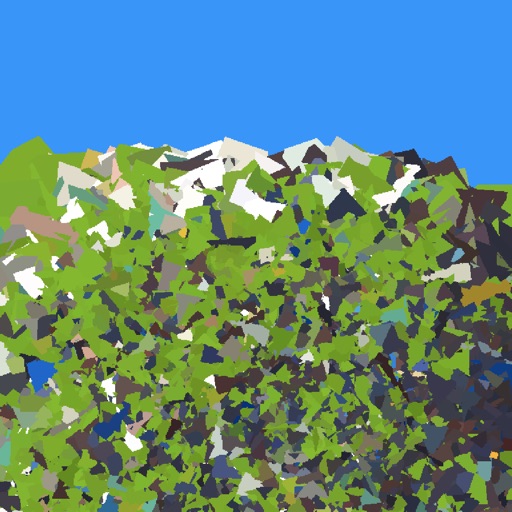
The app reinterprets photographic data by allowing users to select presets or set custom parameters. Users can provide a photo to the app to generate art.
Create seamless patterns using 17 symmetry types and 23 templates. Draw with 18 brushes including pencil, liner, and airbrush. Use symmetry guide lines to align designs. Export patterns in multiple formats.
The app teaches fast typing and reaction skills with a cartoon caveman and a dinosaur. It offers various difficulty levels with increasing speed and different directions, featuring AI-generated pixel art backgrounds.
Create digital art with a wide range of for different styles. Adjust brush settings for pressure sensitivity and flow. Import custom and manage brush libraries. Export artwork in various file formats.
Touch the screen to create reactions on 18 different surfaces. Explore , flame, fantasy, sky, metal, spirit, and rainbow patterns. Customize temperature settings and watch colors shift with finger movement. Share creations or save sessions for later.
Create abstract art by drawing shapes that auto-connect and fill with random procedural patterns. Use Auto Draw to generate unique compositions in real time. Watch animations transform your artwork into kaleidoscopic designs.
Edit photos with effects using one-finger and two-finger controls. Apply bokeh blur to simulate a lens. Adjust focus and perspective to warp images creatively. Export edited photos in various formats.
Create custom geometric art based on a chosen word. Generate 100 variations for each word. Export high-quality designs. Use as signatures, wallpapers, or for personalized products like T-shirts and phone cases.
Sketch and create drawings using brush tools with customizable color palettes. Add stickers, doodles, and charms to enhance artwork. Export and share finished creations in multiple formats.