Perform arithmetic operations on numbers in bases 2 to 36. Convert between number bases. Input numbers in various bases. Handle signed and unsigned negative numbers using two's complement. Support fractions with up to 8 decimal places.
Solve equations with addition, subtraction, multiplication, and division. View step-by-step working to understand solutions. Handle mixed and partial fractions. Convert between decimals and fractions. Find factors of numbers or common factors.
Solve mathematical problems with fraction, decimal, and equation input. Display results in decimal, rational, , or trigonometric formats. Support up to 16 decimal places for precise calculations.
Solve right-angled triangles by inputting known sides or angles. View step-by-step calculations and a scale drawing of the triangle. Access basic trigonometric formulae. Enter angles in radians, decimal degrees, or degrees, minutes, seconds.
Perform complex calculations using RPN entry system. Access hyperbolic and inverse hyperbolic trig functions. Calculate probability, factorials, and percentages. Support absolute, integer, and fractional values. Generate random numbers.
Helps students learn fractions, decimals, and percents by ordering equivalent values on a . Features include multiple levels, visual representations, and interactive exercises to reinforce concepts.
Calculate circuits, convert units, test experiments
Solve electrical problems by calculating voltage, current, and resistance. Input values to determine unknown variables. Perform unit conversions and conduct experiments. Store and retrieve calculation results.
Learn to build complex redstone machines with step-by-step guides and over 1300 screenshots. Access more than 300 detailed instructions to create advanced mechanisms. View tutorials for redstone circuits, logic gates, and automated systems.
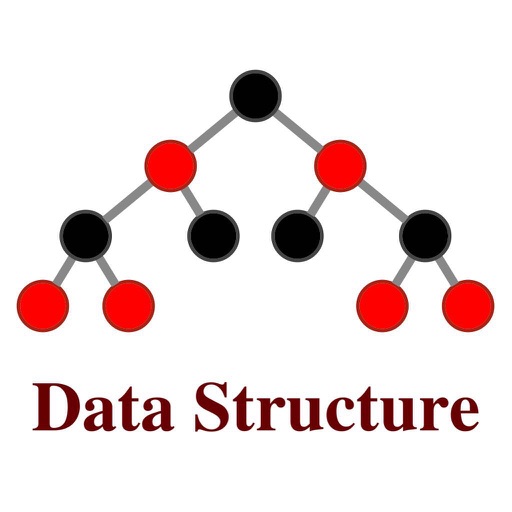
Learn linear structures like arrays, linked lists, queues, and stacks. Explore tree structures including binary trees and binary search trees. Dynamically debug structures and visually observe changes during operations.
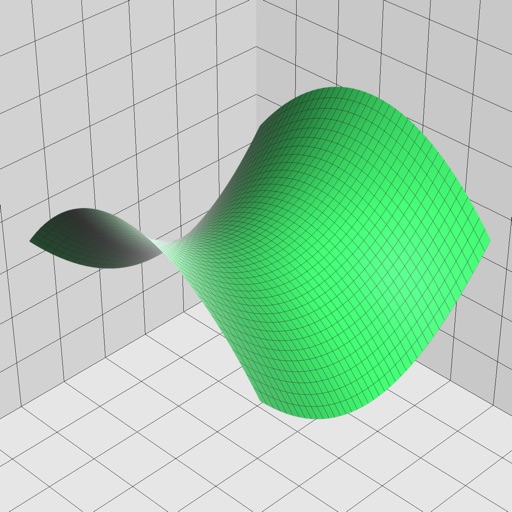
Enter and edit equations in mathematical notation. Visualize 2D and 3D graphs of explicit, implicit, and inequality equations. Adjust settings for display and analysis. Save and share calculations.