

Apps Like Blur Go for iPhone and iPad
Blur Go screenshots
Ranked alternatives
Showing 461–480 of 1,000 ranked alternatives.
cinematic video portrait blur
Sounak Sarkar
Edit videos with effects and filters
Editor allows users to backgrounds and apply effects. Features include adjusting intensity, adding transitions, and exporting videos in various formats. Users can edit footage directly within the without needing professional equipment.

ManualExposure
George Koultouridis
Landscape photography exposure calculators made simple.
This app provides 8 calculators for landscape photography, including ND filters, minimum shutter speed, and star photography. It features a timer with notifications, a Home screen widget, and an Apple Watch app for long exposures.


PhotoPlus for Facebook, Instagram, WhatsApp, QQ, WeChat and Other Messenger
Sam Kwok
Professional camera and photo editing application.
The app offers a professional camera with extensive photo editing capabilities. It includes filters, adjustments, effects, blur, focus, drawing, cropping, resizing, and text tools for image enhancement.


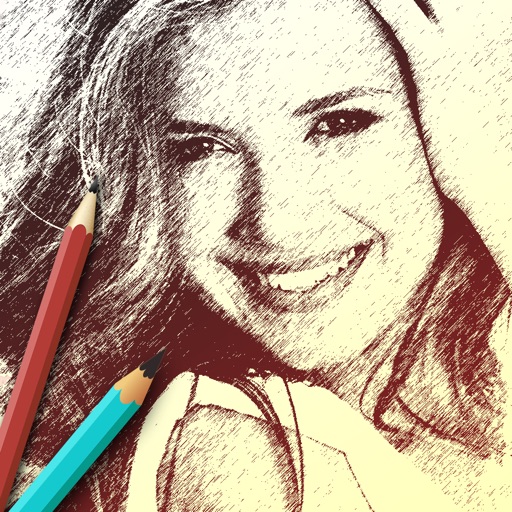
Photo Sketch – My Pencil Draw Avatar Creator
JINMIN ZHOU
Create and share sketch arts easily.
The app allows users to create sketches and share them with friends. It offers filters to transform photos into sketches and frames to decorate creations.

Blur ID - Hide Chat Screenshot
Yeonni Lee
Faces and sensitive text in screenshots
Automatically blurs faces, usernames, profile pictures, and sensitive text in screenshots. Users can share content across apps like iMessage, Instagram, WhatsApp, and Facebook while protecting privacy.

Video Blur: Mosaic Effect
丽蓉 赵
Blur videos with custom shapes
Blur videos in MP4, 3GP, WMV, and other formats. Define multiple blur areas using rectangles or custom shapes. Adjust blur intensity and duration for each area. Track moving objects and apply blur selectively.
CamCool - Fun photo fx
Oriole2 Co., Ltd.
Record videos with real-time filters
Capture photos and videos with real-time filters applying effects during recording. Adjust filter position by tapping, swiping, or pinching. Edit videos with multiple filter styles ranging from funny to artistic. Share edited content directly.

How we rank alternatives
Apps are ranked by functional similarity, category fit, rating confidence, and popularity.