Apps Like Exposure Meter and Learning for iPhone and iPad
Measure EV, set aperture and shutter speed
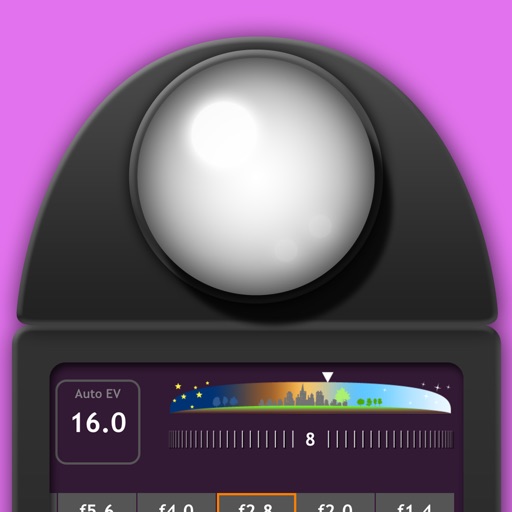
Measure EV values by pressing the left EV button to display aperture and shutter speed combinations. Adjust EV manually to preview brightness changes. Recommended for film camera enthusiasts.
by EIGHTIVE DESIGN, Inc.★ 4.67 ratingsPhoto & VideoFreeData updated 2026-09-14
The app provides fisheye photo and video capture with live preview. Users can add vintage film looks, colorful ring flash effects, and a GPS watermark to document captured moments.
Measure levels in lux, foot-candle, or color temperature (CCT) in Kelvin. Use the device's camera as a sensor. View readings in real time. Save and share measurements. No ads. Simple and accurate interface.
Record video and photos with manual controls for exposure, focus, and white balance. Use advanced editing tools with 200+ professional filters. Adjust settings for low-light performance. Share directly via iMessage or social media.
Capture photos in RAW format without ND filters. Select capture mode, adjust , and set duration. Merge images into a 12-bit DNG file for editing. Apply motion blur to create artistic effects.
Offers DSLR-level photography with P and M exposure modes. Adjust shutter speed and ISO manually or automatically. Access film simulation settings for grain texture and contrast. Capture high-quality photos with mirrorless-level controls.
Capture motion blur and light trails using speed settings. Adjust exposure time, ISO, and focus manually. Import photos and apply creative effects. Share images directly from the .
Adjust camera settings with sliders for distance, aperture, and lens. Instantly view calculations for exposure. Choose between metric or imperial units. Edit photos with basic tools. Share images directly from the .
The app provides fisheye photo and video capture with live preview. Users can add vintage film effects, crystal scenes, ring flash styles, and a GPS watermark.
Adjust focus distance, set ISO sensitivity, control shutter speed, and customize white balance. Capture images with reduced noise and blurred motion effects for creative photography.
Capture high-quality photos with resembling DSLR functionality. Adjust focus, exposure, and other settings via gesture-based interfaces. View focus peaking and use a 4x magnifier for precise focusing. Display minimum focus distance for macro shots.
Play sounds at defined frequencies between 0Hz and 25kHz. Use the noise meter to measure sound levels. Test speakers with quality audio for sound output.