Combine goats to them into exotic and bizarre forms. Mutate and upgrade creatures to climb trees and mountains. Play with new game features and endless mutations.
Create digital illustrations with painting, coloring, and drawing tools. Use multiple layers, customize brushes, and mix colors for precise control. Apply textures and save or share artwork directly.
Color pages with tap, swipe, and brush adjustments. Choose from kawaii-style illustrations featuring bears, bunnies, flowers, and scenes. Use soft pastel color palettes for a gentle, dreamy experience.
Apply face filters that distort, stretch, and reshape faces in real time. Add stickers, voice effects, and interactive games. Use masks and customize filters with instant adjustments. Share edited content directly.
The app allows users to create digital art using various brush styles and effects. Users can save their creations to a gallery or share them via email, Facebook, and Twitter.
The app allows users to draw directly onto their camera lens or photos. Users can add captions, stickers, and doodle on images before saving and sharing them.
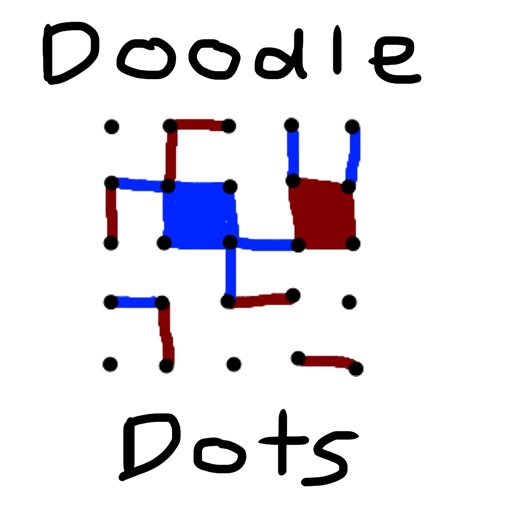
The app provides a digital version of the pencil and paper game Dots. Players connect dots to complete squares, aiming to fill more squares than their opponent.
The app provides drawing tools, text, shapes, stamps, and stickers. Users can record screen for speed paints, create collages, and use hundreds of frames.
Create and color doodles with glow and neon themes. Choose from various coloring pages featuring princesses and accessories. Save and share completed artwork. Relax while engaging in creative and calming activities.
The app converts photos into pencil sketches and offers a collection of coloring pages. Users can select photos from their album or take new ones with the camera to create sketches.
Run through colorful, challenging levels with opponents. Compete in races with doodles. Unlock bonus levels and new areas. Customize characters and track progress. Share achievements with friends.
Create still or animated drawings that flow and evolve. Use generative brushes for natural, responsive sketching. Design fluid artwork for backgrounds or sharing. Adjust brush settings for precise control. Export drawings in various formats.
Children can draw using step-by-step templates in cartoon and kawaii style. They can choose colors, add stickers, and save their artwork. The includes guided exercises and a safe, child-friendly interface.
Create and decorate cupcakes by selecting from 15 batters such as Confetti or Mississippi Mud. Sift flour, squeeze lemons, mash bananas, and chop nuts to prepare the mix. Choose shapes like round or heart and design liners with various colors.