Calculate optimal parameters for cutting, bending, welding, or machining QUARD and QUEND steel. Input work type and steel details to receive precise machine setup instructions. Provides offline results for setup and task execution.
by ArtWhere s.a.★ 5.01 ratingsProductivityFreeData updated 2026-09-14
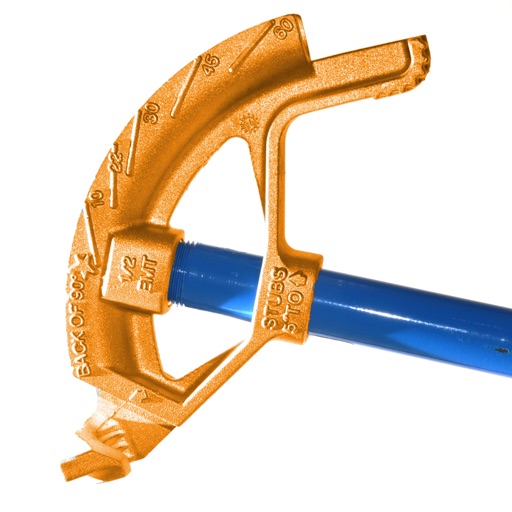
Calculate conduit bends with precise measurements and angle calculations. Input pipe dimensions and tool specifications. Generate bending templates and visualize the layout. Export data for use in projects.
Solve math problems with three keypads for easy mixed number input. Calculate multiple fractions simultaneously. Syncs with iOS devices for optimal performance.
Calculate, plan, and optimize machining operations
Calculate machining parameters for turning and milling operations. Input dimensions and material properties to determine tool paths and speeds. Generate G-code for CNC machines. Convert units and estimate machining time.
Calculate tips and split bills with customizable percentages and group allocations. Enter total amounts and split costs evenly or manually. Round total values for easier handling. Share results via copy or email.
Calculate with a dual-line display showing input and result simultaneously. Use percentage and backspace functions. Switch between 18 color themes. Enter multi-line equations. Automatically format scientific expressions.
Simulate calculations with a full-featured TI BAII Plus emulator. Perform time value of money, cash flow, and bond calculations. Store and retrieve data. Access formulas and functions. Export results and review history.
The app calculates CNC milling and turning speeds and feeds. It supports chip thinning and HSM machining, suggesting optimum cutting depth and balancing cutting parameters for various materials.
Allows users to perform complex calculations with a natural display that shows expressions as written. It supports fractions, roots, and exponents. The includes a graphing module for visualizing equations.
Enter beam dimensions and section type to check shear, bending, and deflection criteria. Find all sections meeting requirements and sort by weight, depth, inertia, or moduli. Obtain optimal design results quickly.
Perform length calculations, determine fittings angles, and estimate material requirements. Access schedules, standards, and industry-specific data. Convert units and calculate pressure drops. Save and export calculation results.
Calculate materials with 10 tools for gravel, soil, mulch, concrete, pavers, retaining walls, grass seed, sod, area, and volume. Input dimensions in inches, feet, yards, centimeters, or meters. Output results in US customary or metric units.
The app helps flat-rolled steel buyers verify steel coil and sheet specifications. It calculates coil weight, converts gauges to decimals, and finds sheets in a bundle, supporting imperial and metric units.
Calculate parameters based on run or total run input. Support multiple units for measurements. Determine maximum and minimum step sets. Copy results to clipboard. Access all features with unlimited subscription.
Control and monitor ESAB iSERIES Plasma Power Supply in real-time. View and adjust power supply parameters. Add welding machine details and select machines for parameter customization.
Calculate steel weight in kilograms and surface area in square meters based on Japanese standards. Input cross-sectional dimensions and material type. Export calculations as text or CSV files. Share results via email. Store calculation history.
Convert springs by selecting specifications and calculating pull force. Compare drum dimensions and ratings. Design springs for rolling steel doors and determine maximum lift capacity. Calculate performance based on IPPT standards.
Calculate , topsoil, dirt, or landscaping material needed for projects. Input dimensions for rectangular, circular, or custom areas. Enter measurements in inches, feet, yards, centimeters, or meters.
Provides basic arithmetic operations, memory storage and recall, and support for multiple orientations. Users can perform calculations, save results, and switch between portrait and landscape modes.