Apps Like Christmas cards frames for iPhone and iPad
Create, edit, and share
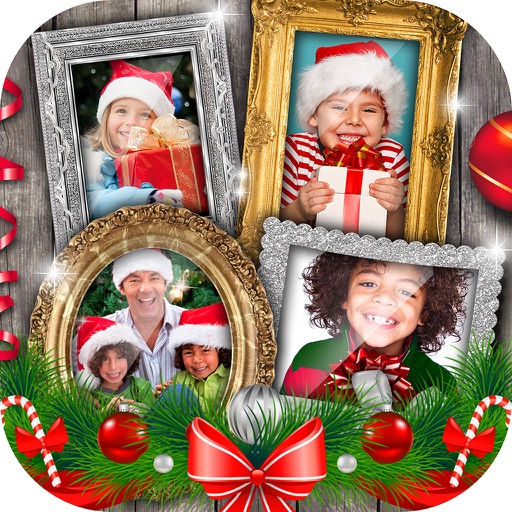
Create by selecting a photo from the camera or gallery. Choose a frame, adjust its position, rotation, and size. Share the card via social networks or messaging apps.
by Sergio Musoles Tornador★ 4.755 ratingsPhoto & VideoFreeData updated 2026-09-14
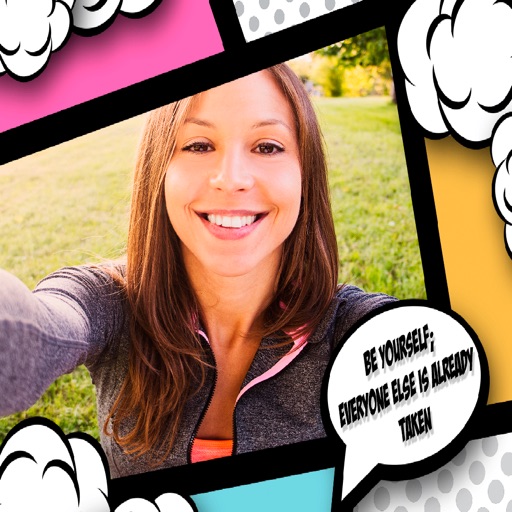
Edit photos and videos with templates, quotes, stickers, and customizable text. Scale, rotate, position, duplicate, and flip elements with touch gestures. Create collages and design posts for social media. Export and share edited content directly.
Create collages by adding photos and selecting aspect ratios. Choose landscape or portrait orientation. Add text to the collage. Shuffle for new layouts. Adjust design elements for customized results.
Edit photos by selecting from the gallery or capturing new ones. Apply multiple and effects. Adjust image position, size, and angle. Save, share, or upload to social media platforms like Facebook and Twitter.
Select a from the gallery. Apply -themed including roses, daisies, sunflowers, and tulips. Add decorative elements to special photos of loved ones, children, or pets. Share edited images directly with family and friends.
Create with customizable designs organized into categories like birthday, love, and nature. Add background to photos. Edit images by adding text, stickers, and decorative elements. Export and share edited photos.
Create collages by combining multiple photos into a single framed image with captions. Add 2D and 3D effects. Share finished collages on social media platforms like Facebook, Twitter, and Flickr.
Create posters, flyers, and advertisements by adding text to photos. Choose from 300+ fonts, adjust size and color. Design quotes, invitations, and greeting cards. Export without watermarks. Sync with social media platforms.
Lets users view reference images in picture-in-picture mode while drawing. Access gallery to select reference images. Place references on screen for easy access. Adjust reference position and size. Share references directly from the .
Browse high-quality of real and imaginary . Save photos to share with friends or set as wallpapers. Use to create pranks by pretending to travel to depicted locations. Rate the to help improve future updates.
Resize images to fit various formats like Instagram posts, stories, Facebook covers, or custom ratios. Adjust aspect ratios manually or select preset options. Apply Fit or Fill modes to scale images without cropping or stretching.
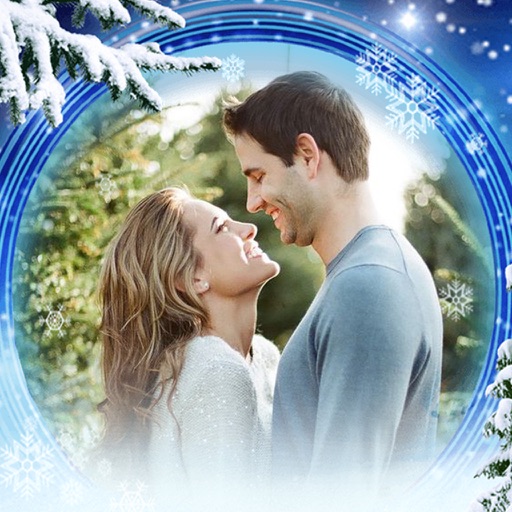
Edit photos by selecting from the gallery or using the camera. Apply multiple frames and effects. Adjust position, size, and angle. Save edited images and share via social media or email.
Edit photos by drawing on them with adjustable brush sizes and color choices. Use an erase tool and undo/redo functions for precision. Save edited images for later changes or share them directly on social networks.
Create mockups by uploading screen captures and selecting device templates. Add 3D rotation, background, shadow, shift, scale, and canvas adjustments. Choose different models, angles, and backgrounds.