Allows users to assemble pieces to form a picture. Once completed, the image animates, telling a unique story. Users can explore different scenes and interact with the animated artwork.
Color pieces to complete a black-and-white image. Match puzzle fragments to the correct spots. Choose from unique artwork to color. Add colors to bring the picture to life. Save completed artwork for later.
Create art with and drawing tools. Select from animal images like dolphins, bats, and lions. Use brushes and pencils to color. Save and share finished artwork. Features include animated visuals and interactive elements for young children.
Create custom cards with seasonal templates. Choose from 100+ designs. Use 10 paint brushes and 50 texture brushes. Select colors with an easy picker. Zoom in/out on small blocks. Record coloring sessions as animations.
Color by number game allows users to select and fill numbered sections with colors. Complete puzzles by matching numbers to colors. Choose from various themed images. Save progress and share completed artwork.
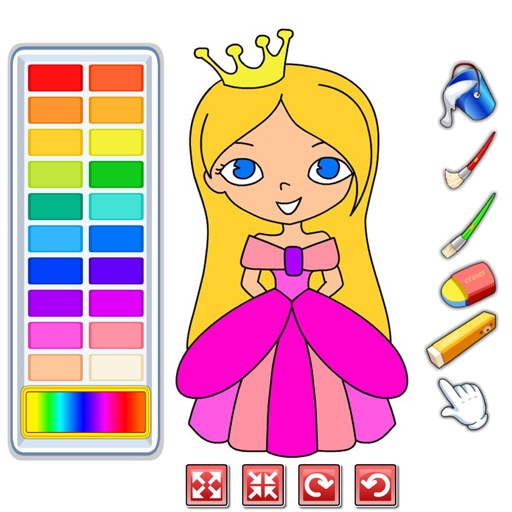
Color images with 2D artwork and various tools including a bucket fill. Explore daily updated collections of images. Share completed drawings via social media or email. Adjust colors and save progress.
Color by number to fill 2D and 3D pixel art. Switch between 2D and 3D modes. Create moving 3D images or static 2D artwork. Save and share completed designs. Adjust color palettes and zoom in for detailed work.
Create art by selecting colors and filling in grids. Choose from pre-designed artworks or design custom pieces. Save and share completed projects. Access a library of free art templates. Adjust color palettes and grid sizes for different projects.
Learn techniques through interactive tutorials. Create custom patterns by selecting colors and stitches. Save and share designs. Track progress and adjust patterns for different fabric sizes.
By artworks with pre-drawn grids. Select and paint images using colored markers. Save and share completed drawings. Access a library of free artwork to .
Create art by coloring pre-designed images. Select colors from a palette and apply them to sections of the artwork. Zoom in with two fingers for detailed work. Save and share completed designs.
Choose from a variety of images to color. Select and apply multiple colors and tools to customize designs. Save and share completed artwork. Adjust brush size and opacity for detailed work.
Create and customize drawings using a variety of colors and brushes. Access categorized pages with detailed patterns. Save and share completed artwork. Adjust brush size and opacity for precise .