Allows users to extract and compare features using AKAZE, ORB, and BRISK methods. It supports feature matching in images and is designed for educational use in lectures.
by Hiroaki SAWANO★ 0.00 ratingsEducationFreeData updated 2026-09-14
Learn numbers through tracing and matching . Practice counting with interactive activities. Explore colorful puzzles and coloring . Listen to nursery rhymes and story . Engage with animated characters and educational challenges.
Adjust playback from 0.25x to 4.0x. Play music files, audiobooks, and recorded radio. Transcribe music, practice instruments, or learn languages. Supports file playback and control for various use cases.
Organize digital content from articles, videos, links, screenshots, and files into a centralized database. Use AI to extract key insights and create a personalized knowledge base. Query the database for answers and generate summaries.
Allows users to draw grids over images for precise copying, scaling, and tracing. Features include adjustable sizes, reference image overlay, and zoom capabilities. Users can export drawings and share files directly.
Watch stories anonymously and bookmark favorite content. Users can scroll through stories without accounts, save highlights for later viewing, and access content without login requirements.
The app downloads and displays the latest images from the Solar and Heliospheric Observatory (SoHO). It provides push notifications to alert users when new images are available.
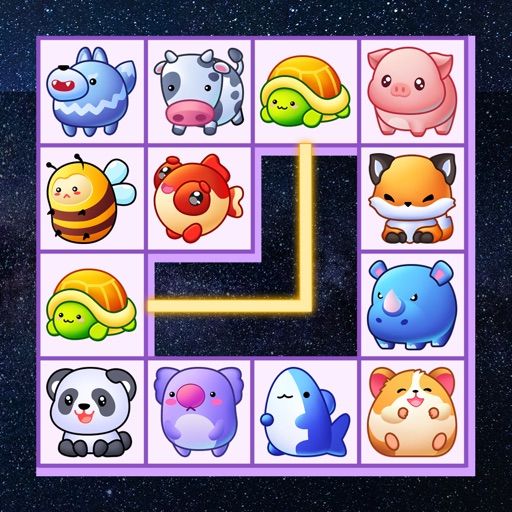
Match animal pairs using up to 3 straight lines. Use 10 initial hints and 10 turn swaps to solve puzzles. Additional hints are provided per level. ends when no matching pairs remain. Collect and customize animals. Unlock new levels and themes.
Generate AI-powered photos from two parent images using facial recognition. Edit generated images with filters and cropping. Share photos directly to social media. Adjust facial features and expressions. Save and view generated images in a gallery.
Access Florida by subject, grade, domain, or cluster. Search for specific topics across grades and subjects. View related access points and links to vetted instructional resources. Stay updated with current standard information.
Access content and lectures from Study Aids. Browse available titles, download individual tracks or full titles. Adjust playback speed. View transcripts when available. Navigate content for easier access.
Record lectures, meetings, and study sessions with automatic transcription. Capture handwritten and organize them into structured documents. Search for by voice or text. Share directly with others. Sync across devices for seamless access.
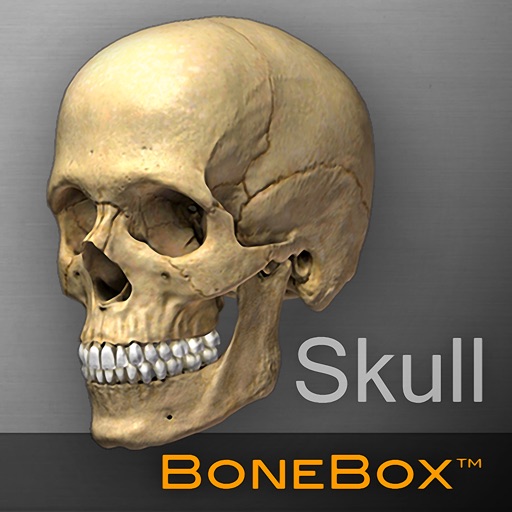
Explore detailed 3D anatomical models with interactive elements. Rotate, zoom, and dissect virtual skulls. View layered structures and labels. Access educational content about anatomy and physiology. Share models via email or social media.
Learn numbers, patterns, and letters through interactive puzzles and games. Identify shapes, colors, and sizes. Practice counting and matching. Compare shadows and find differences. Track progress with visual feedback and educational guidance.
Create notes, personalized summaries, and flashcards from lectures, documents, or scanned materials. Upload files for analysis. Generate tailored content using AI. Set reminders and track progress. Sync notes across devices.
Using images to find details and sources from Google, Bing, Yandex, and Lenso.ai. Identify plants, spot catfish, find original artists, and discover better product deals. Compare results across multiple engines.
The app provides control for Foscam IP cameras, supporting HD and SD models, along with other MJPEG cameras. It offers features such as two-way audio, video recording, and image capture for compatible devices.
Remove background and retain clear vocals using AI vocal extraction. Eliminate wind, music, and traffic sounds. Trim audio or video clips directly. Enhance stereo sound for a more natural listening experience.
View and organize DICOM medical images from X-ray, CT, MRI, and ultrasound scans. Store and share images for health record-keeping. Use Link to transfer files between devices. Navigate through images with zoom, pan, and rotation tools.
Kids Academy Co apps: Preschool & Kindergarten Learning Kids Games, Educational Books, Free Songs
Play pairs and match cards
Educational game for aged 2 and up. Features pairs matching, logical grouping, counting, and number recognition. Includes 12 mini-game boards and 4 difficulty levels. Children identify objects, sort them into groups, and match pairs.
Explore through interactive images of plants, animals, and weather. Learn names of fruits, vegetables, flowers, and seasonal changes. Engage in educational content designed for children aged 2 to 4.