Apps Like Splash! - a new way to play for iPhone and iPad
Create models with liquid physics
Create and manipulate 3D models using liquid physics simulations and system dynamics. Adjust parameters to observe real-time interactions. Save and export models. Share creations with others.
by Creative Learning Exchange★ 4.417 ratingsEducationFreeData updated 2026-09-14
Calculate duct diameter based on airflow velocity. Perform CFD analysis for fluid dynamics. Estimate pressure drop across duct systems. Generate reports with detailed calculations. Export results for documentation.
Explore real-time satellite data and simulations of Earth's systems using a Cube. Rotate 3D models of the planet, view atmospheric layers, and track weather patterns.
Kids Drawing offers simple pages with animals, cars, and other themes. Users can tap and swipe to color. Includes playful games for interactive learning. Allows saving and sharing of completed artwork.
Solve problems with step-by-step guidance. Input equations or select topics like mechanics or electromagnetism. Receive detailed explanations and formulas. Track progress and revisit solutions for review. Share results via email or cloud storage.
Calculate reactions with built-in equations and thermodynamic data. Convert units for pressure, temperature, and concentration. Solve material and energy balance problems. Access property tables for gases and liquids.
View 3D models of human and pathologies. Rotate, zoom, and examine structures from any angle. Explore detailed digestive system models and rare diseases. Access medically accurate information for learning and reference.
Interesting facts from science, history, and pop culture. Read short, engaging entries that surprise and inform. Share facts with others. Track progress and revisit previous entries for review.
Create interactive apps and games using visual programming. Write and run code with a touch-based interface. Utilize iPad features like Multi-Touch and accelerometer. Edit and debug code in real-time.
Learn CNC programming by simulating operations. Input G-code to machine parts. Rotate and zoom 3D models. Adjust tool paths and monitor machining processes. View detailed machine components and their functions.
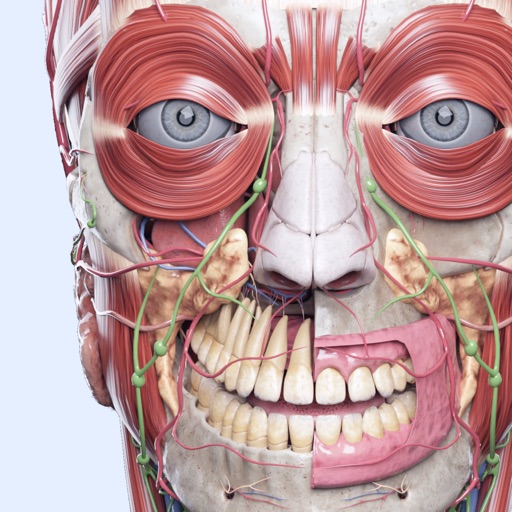
Explore the body with 3D models of the skeleton, organs, and muscles. Use voice search to identify body parts. Access detailed information about the skull and bones. Take quizzes on skeletal, organ, and muscular systems.
Learn with interactive lessons and practice modes. Translate text to and vice versa. Customize speed and tone settings. Track progress with built-in quizzes and tests. Share translations via copy and email.
Simulate the by adjusting size and launching balls. Observe patterns as balls bounce left or right. Track distribution results. Run multiple simulations on iPad.
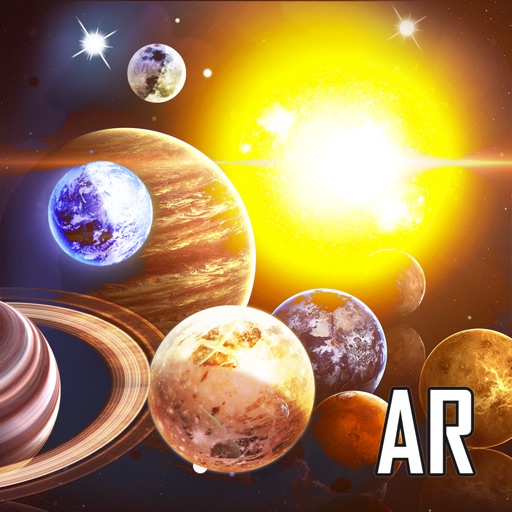
Create and customize systems with orbital physics. Explore planets and stars through augmented reality. Learn about celestial bodies and their characteristics. Add jokes and interactive elements for entertainment. Share creations with others.
Learn aeronautics with interactive simulations and tools
Learn aeronautics fundamentals through interactive simulations and tools. Create and test performance gliders digitally, then build and fly physical models to apply concepts. Analyze flight data and refine designs based on real-world results.
Explore 3D models to study nerves, vertebrae, and cranial structures. Rotate and zoom to examine anatomical details from multiple angles. Watch animations explaining muscle contractions.
Explore 3D models of rocks, minerals, mammals, reptiles, lifecycles, and cells. Upload, view, and share custom 3D objects. Interact with models using a Cube and smartphone or tablet.