Color images with a variety of tools to customize artwork. Save completed colors or share creations with others. Access a collection of unique illustrations featuring animals, unicorns, mandalas, and more.
Create digital art with a variety of brushes, layers, and color adjustments. Use an eraser for modifications and access reference avatars and sketches. Save and share completed artwork.
Create hammers by custom shapes. Defeat enemies with your drawn to earn rewards. Upgrade characters to enhance abilities. Play through simple, fast-paced duels.
The app uses AI Magic to transform children's doodles into various art styles like watercolor, anime, or Chinese ink. It offers step-by-step drawing guides and a coloring book for children ages 2–6.
Create animations with drawing tools, color options, and frame management. Import images or draw directly. Export and share animations on Cineverse. View progress and refine frames for detailed editing.
Create a protective wall by lines to block approaching crowds. Avoid line collisions to keep the wall intact. Game ends if lines intersect. Adjust strategy to survive longer.
Create and edit digital artwork with layers, brushes, and custom tools. Adjust colors, brightness, and contrast. Import photos and sketches. Save and export in various formats. Apply filters and effects. Collaborate with others through cloud sharing.
Create and customize drawings of characters like dogs, bears, and rabbits. Place them in scenes such as a café, kitchen, or pool party. Add details and decorations to scenes. Save and share completed artwork.
Edit photos with tools like Pen, Line, Arrow, and Rectangles. Apply filters, effects, and enhancements. Add text, stickers, and adjust lighting and color. Remove blemishes and red-eye. Crop and resize images.
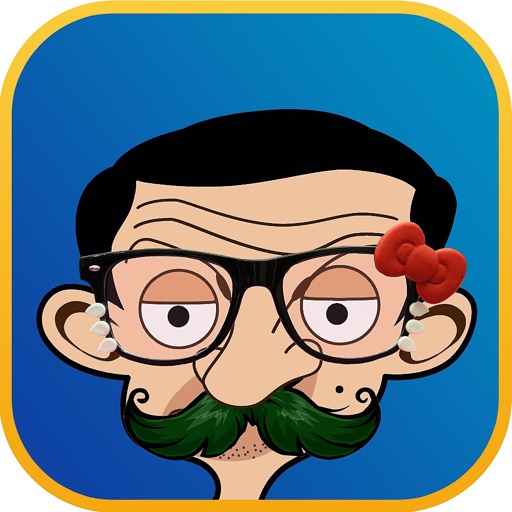
Apply filters and accessories like mustaches, glasses, and hats to photos of faces. Edit images to transform looks of people or pets. Save edited images to the album. Share edited photos with friends.
Draw sketches using brushes and tools with support for Apple Pencil. Create layered artwork and zoom for detailed painting. Import and export vector images in PDF, PNG, and JPEG formats. Use color or photo backgrounds. Save artwork for later.
Create graffiti art using realistic cans in various colors and sizes. Choose colors and sizes to paint on a virtual wall. Delete or undo drawings. Share artwork with friends.