See color values in real-time using the camera or convert photos to grayscale. Measure lightness of specific points. Apply grayscale filters for sketching. Helps with grayscale art and contour line practice.
by Robert Jakubowski★ 4.2105 ratingsEducationFreeData updated 2026-09-13
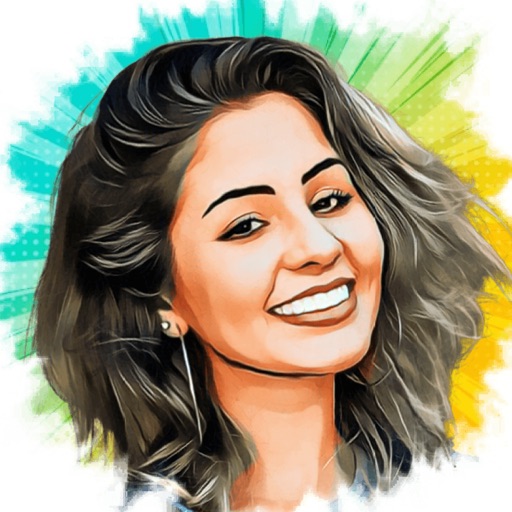
Transform photos into cartoon caricatures using AI technology. Apply face swap features to create humorous styles. Choose color, black and white, or pencil formats. Customize caricatures for birthdays, couples, or professional use.
Create drawings using realistic pencils and marker pens. Listen to drawing sounds. Navigate an intuitive interface. Access eight free sketches for coloring. Explore related apps in the drawing series.
Nd apply custom hashtags and captions using AI. Track real-time virality scores for posts to gauge potential engagement. Schedule and manage Instagram stories and posts. Analyze performance metrics for each publication.
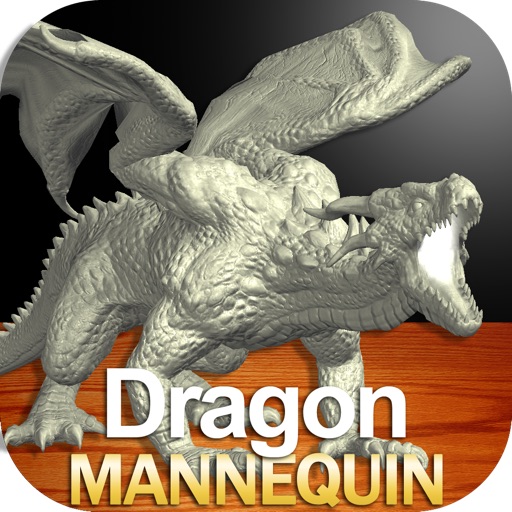
Draw a in any pose with poseable figure tools. Adjust limbs and joints for custom positions. Use skins to enhance detail and realism. Change camera angles and zoom. Select from various backgrounds and platforms.
Draw a with poseable limbs and adjustable joints for custom poses. Use reference tools and skins to enhance detail and realism. Adjust camera angles and select backgrounds and platforms for accurate drawing.
Create drawings using realistic crayon and marker pen tools. Listen to drawing sounds. Navigate with an intuitive interface. Access eight free coloring pages for practice. Explore related drawing apps for different mediums.
The app uses an automatic colorization technique based on scribbles to change object colors in photos. Users can mark parts of an image with any color and the app will apply the changes.
Resize photos and videos with custom dimensions, aspect ratios, and percentages. Adjust brightness, contrast, and color profiles. Apply 100+ templates for social media or anamorphic output. process multiple files.
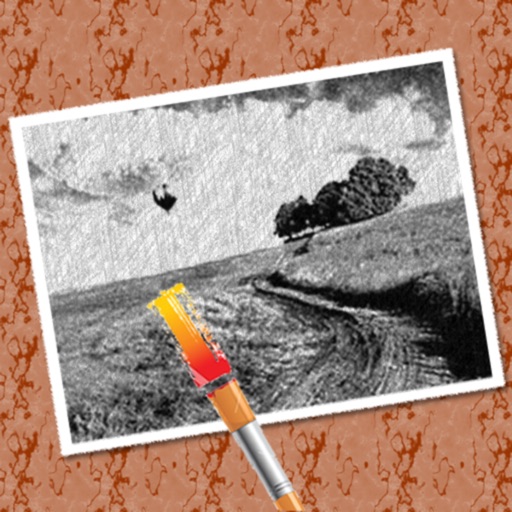
The app converts photos into pencil sketches for coloring. Users can import pictures from photo albums, the camera, or Flickr, and color them using touch controls.
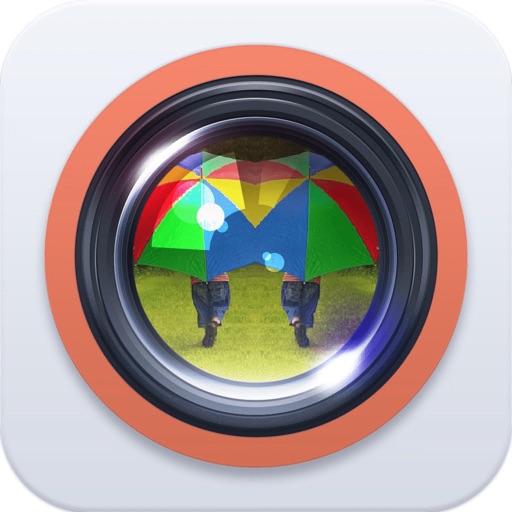
Use the live camera or select a photo to apply mirrors and filters. Choose from horizontal, vertical, tri-h, tri-v, diagonal, quad, and other mirror types. Apply filters like B&W, Lomo, Colorz, Warm, Cold, Sepia, Nostalgia, Vibrant, Toy, and Sketch.
Turn photos into cartoons with AI-powered filters. Add toon backgrounds and layouts. Edit self-portraits with effects. Share edited images on social media platforms. Apply digital art filters and create anime-style avatars.
Pollux Bilisim Teknolojileri Sanayi ve Ticaret Limited Sirketi
Sketch on photos with AR
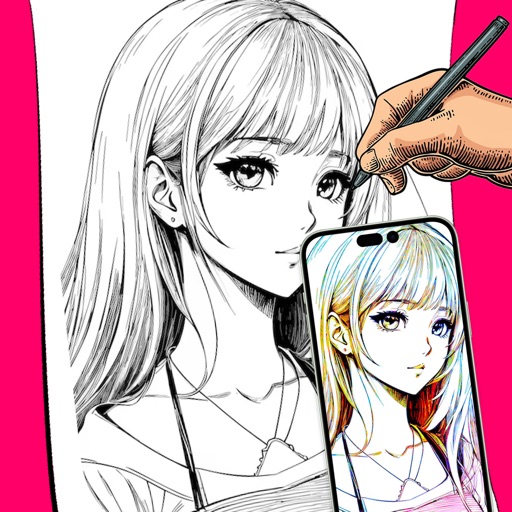
Use AR to sketch and draw on photos with realistic ink effects. outlines or create pencil sketches from images. Convert photos into artistic drawings with AI-powered tools. Save and share finished artwork directly.
Capture photos with a cinematic mood using a 35mm lens and 16:9 or 2.39:1 aspect ratios. Apply film- filters, add text overlays, and adjust color grading for a -inspired look. Export and share edited photos directly.