See color values in real-time using the camera or convert photos to grayscale. Measure lightness of specific points. Apply grayscale filters for sketching. Helps with grayscale art and contour line practice.
by Robert Jakubowski★ 4.2105 ratingsEducationFreeData updated 2026-09-13
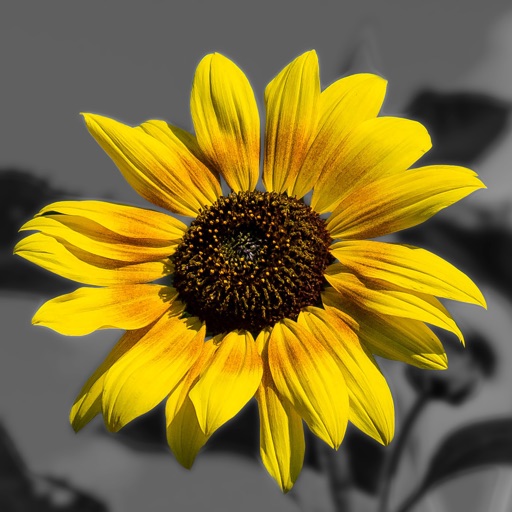
Edit photos with splash effects, convert images to black and white, or apply custom colors. Add filters, zoom in on photos, and use a brush tool. Export and share edited images directly.
Take photos with high-resolution settings. Apply 40 free filters, including a popular pink filter. Edit images with color adjustments and effects. Add creative accents to photos. Share edited photos directly from the .
Edit photos by drawing on them with adjustable brush sizes and color choices. Use an erase tool and undo/redo functions for precision. Save edited images for later changes or share them directly on social networks.
Create sketches from photos or camera captures with "," "Doodle," and "Hatch" styles. Adjust colors for black-white or vibrant results. Save images with a single tap. Share generated sketches directly.
Edit photos by converting them to and and selectively adding with brush tools. Choose from various brush sizes and styles. Apply filters for creative effects. Undo changes with a single tap.
Convert low-quality photos to high-resolution images with clarity and detail. Upscale photos to maintain sharpness. Boost resolution for clearer images. Apply denoising to reduce grain and enhance visual quality.
Identify coins by snapping photos. Access detailed information about mints, years, and denominations. View grading details and estimated values. Compare coins and save collections for future reference.
Capture photos from the device camera or select from the library. Apply over 60 design effects to images. Save edited photos to the library or share them on social networks.
Identify stamps by taking photos and getting details on origin, rarity, and history. Organize collections into digital albums, sort by categories, and search efficiently. Track market values and compare prices.
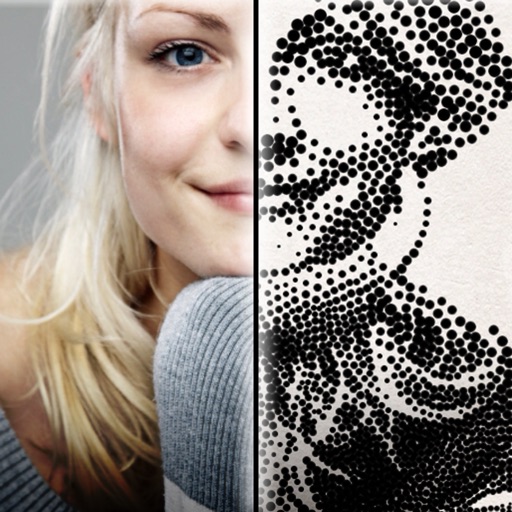
The app creates customized professional stipple drawings from photos using easy editing tools. Users can adjust contrast, brightness, and the number of dots to transform photos into unique works of art.
Resize photos to custom dimensions for social media, websites, and emails. Adjust sizes via slider or manual input. Access photos from camera, files, or web links. Save edits to history and share directly or store in photos.
Edit photos with 3D and color effects to create立体 art. Apply special effects to enhance images. Save and share edited photos directly. Use fun and intuitive editing tools for creative customization.
Edit photos using adjustable filters for brightness, contrast, saturation, color temperature, highlights, shadows, and color. Add text to images for customization. Preview in real time. Remove previous settings. Save edited photos to the device.
Provides a real-time framing preview of your iPhone or iPad camera setup. It simulates field of view for digital cameras and lenses. Users can adjust settings and see how compositions will look. It helps with preproduction planning for filmmakers.