And arrange , bass, and drum parts in compositions. View and edit tablature for and drum parts. Use MIDI and Inter- Audio instruments for background sounds. Build harmonies and visualize note relationships.
The app provides a single tap beat machine with looping natural PowWow drum samples. The sounds are designed to align the user's mind, body, and spirit, inducing a trance-like meditation.
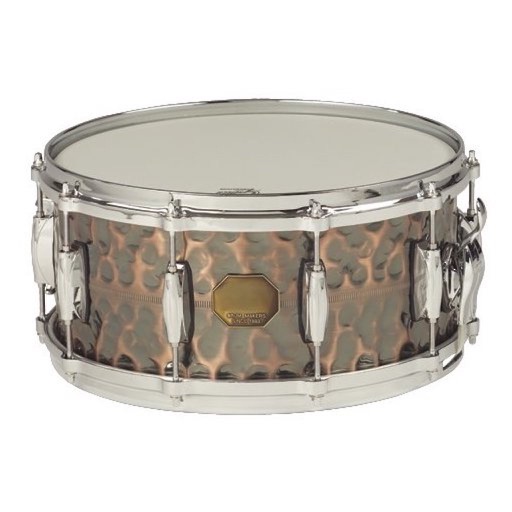
Tap the iPhone screen to play drums with a simple drum kit. Choose from 30 instrument sounds including snares, cymbals, tomtoms, and hand-claps. Adjust volume for each instrument. Customize instrument layout in 2x2 or 3x3 grid.
Create sheet music with tools for note entry, rhythm input, and score formatting. Adjust tempo and key settings. Export as PDF or image. Share directly or print for lessons and performances.
Search for songs on YouTube and generate real-time chords. Choose between AI Chord, AI Simply Chord, Standard Chord, or Standard Simply Chord. View chord diagrams and practice playing along with the selected song.
Collect parts to create songs. Tap to select beats and arrange them in sequence. Use range and speed gates to control rhythm and timing. Save and share completed compositions.
Cooking through short, interactive lessons that teach techniques and ingredient knowledge. Practice skills with guided steps, receive instant feedback, and track progress.