Transfer files via HTTP links using a built-in file manager. Copy, paste, rename, delete, and move files. Support for text, compressed files, images, iWorks, Microsoft Office, RTF, and PDF formats. Upload and download files directly.
And convert documents into PDFs by taking photos or selecting images from your gallery. Edit text, add signatures, and annotate pages. Organize files, share via email or cloud services, and export in multiple formats.
Convert files to various formats by uploading to a cloud service. Adjust specific settings for different e-readers. Share converted files via multiple methods.
Edit text with formatting options like bold, italic, and lists. Attach unlimited files including images, videos, and tables. Use dark mode and iCloud sync. Organize content with gestures and drag reorder. Export to HTML, Markdown, PDF, and JPG.
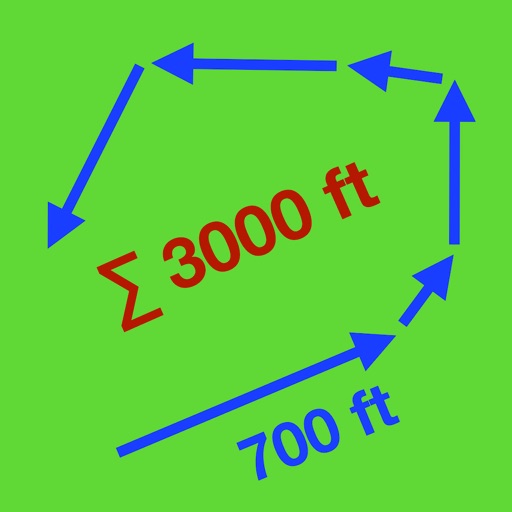
Distances and areas using a map interface. Start recording by pressing the record button and stop with the stop button. Pause to add new sections. Tap labels to remove sections or the start point. Manage measurements by connecting points.
Arthur Eduardo Skaetta Alvarez Desenvolvimento de Software LTDA.
Select frames and export -res photos
Select a and scroll through frames to capture a - image. Export the selected frame in original resolution or HEIC format for smaller file size. Share the image directly from the .
The app supports SFTP, FTPS, and private keys. It allows users to upload and view image files, edit text files with features like color coding and search/replace, and play audio/video files.
The app counts Objective C, C/C++, and Java lines of code to help estimate project size and effort. It supports various text file encodings and exports results to CSV, text, HTML, or the clipboard.
Export format for and other compatible tools. Export all at once or select specific entries. Preview the file before sharing. Share or email exported files using preferred apps.
Track routes by enabling location and pressing record to start while walking or riding. Stop recording to suspend, pause to add new sections, and manage segments by connecting gaps or removing points. Relocate the entire as needed.
Convert PDF files to format for mobile reading. Edit text, adjust fonts, and customize margins. Export as and share or save to device. Supports iPad, iPhone, and ebook readers.
Write mathematical expressions using inline LaTeX. Edit and format equations directly within the document. Preview rendered equations in real-time. Export documents in Markdown or PDF format.
Measure device responsiveness by recording video of button presses and screen responses. Mark input and output times with frame-accurate scrubbing. Display the latency difference in milliseconds.
Customizable with large text that can be pressed. Export laps in CSV format. Start, pause, and reset by pressing or long-pressing text. Add laps by swiping down. Adjust displayed milliseconds. Undo accidental reset. Delete laps by swiping.
Create and customize rooms in 2D floor plans. Add and adjust room properties. Drag and drop furniture, doors, and windows from organized categories. Edit objects and arrange layouts. Save and export designs. Limitations on object count apply.