Crop and resize images. Adjust brightness, contrast, and saturation. Remove blemishes and red-eye. Add text, stickers, and borders. Export in various formats and share directly.
Enhance images with one tap using 16 . Apply effects and adjust brightness, contrast, and saturation. Share photos directly to Instagram, Facebook, and Snapchat. Export edited images in various formats.
Turn photos into videos by selecting an image and removing the background. Choose from several backgrounds and apply pop effects, drop shadow, or outline. Add background music and share the final result.
Capture photos and videos with customizable PIP frames. Apply foreground filters and background effects like blur, zoom, and comics. Add motion effects such as fire and snow. Create PIP videos or GIFs and share directly.
Create collages by combining photos and videos. Generate AI-powered videos from text or images. Edit clips with trimming, filters, and transitions. Export videos for Instagram, TikTok, YouTube, Facebook, and Pinterest.
Create magical memories by editing photos with AI-powered cleanup, adding cute stickers, and applying dreamy filters. Build milestone albums to celebrate growth and special moments. Share edited photos directly from the .
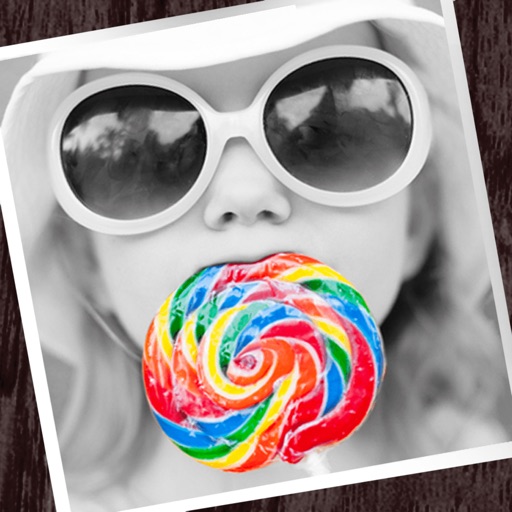
The app allows users to apply monochrome filters and effects to specific parts of an image by rubbing with a finger. Users can also reduce or enlarge images using a pinch gesture.
Customize iPhone, iPod Touch, or iPad with filters like sepia, monochrome, and inverted colors. Add glows with effects such as bubbles, hearts, flowers, snow, and broken glass. Choose from categories including Apple logo and abstract.
Apply live filters to enhance photos with effects. Adjust color tones and add vintage textures. Share edited images directly to Instagram. Save and view photos with analog-style filters.
Add to photos and videos. Apply glitter during capture or from the roll. Adjust intensity with a slider. Swipe to switch . Repost to Instagram. Share edited content directly.