Create collages by combining photos and videos. Generate AI-powered videos from text or images. Edit clips with trimming, filters, and transitions. Export videos for Instagram, TikTok, YouTube, Facebook, and Pinterest.
Plan and organize Instagram content with drag-and-drop editing. images and videos for multiple accounts. Schedule posts across platforms. Analyze engagement metrics to refine content strategy. Sync with Instagram directly.
FEEL APPS YAZILIM HIZMETLERI SANAYI TICARET LIMITED SIRKETI
Edit photos, plan feed layouts, preview grids
Edit photos with filters, cropping, and brightness adjustments. Arrange images in customizable layouts. Preview and adjust feed compositions. Share edited photos directly to Instagram. Apply creative effects and text overlays.
Turn photos into 12 styles with adjustable edge thickness. Add stickers before or after cartoonization. Save and share the edited image. No internet connection required.
The app allows users to post photos to Instagram without cropping. It functions as a photo collage maker with numerous layouts and editing tools for sharing moments.
Videos into multiple parts and share each segment on social media platforms like Instagram, Facebook, Snapchat, and others. Edit clips, set sharing options, and export parts for direct upload.
Edit photos with borders, cropping, and resizing tools. Add designer borders to round images. Save and share edited pictures on Instagram, TikTok, Facebook, Twitter, WhatsApp, and other platforms.
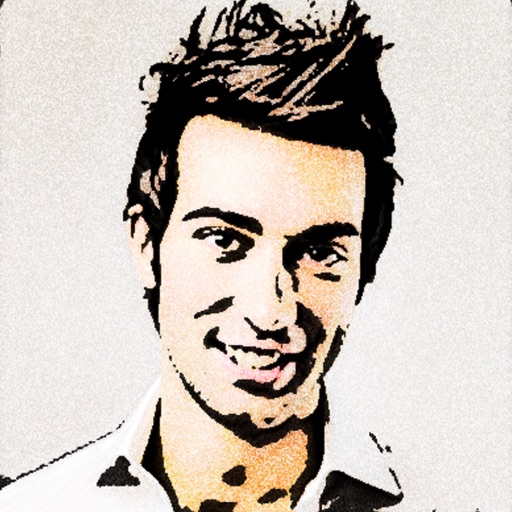
Convert photos to colored or black and white sketches using 7 available effects. Choose a photo from the library or take a new one. Apply a effect and save the result to the device. No internet connection is required.
The app allows users to combine multiple photos into a single collage. Users can select from various layouts and frames, add captions, and apply special effects.
Learn basics through guided lessons on letter formation and stroke techniques. Practice tracing and writing letters with on-screen tools. Access alphabet guides and stroke exercises to improve lettering skills.
Edit images with brightness, contrast, and other adjustment tools. Import photos and place them in customizable Story templates. Create gradients and use the dropper tool to match colors. Share edited content directly to Instagram .
Edit photos with filters, cropping, and brightness adjustments. Add text, stickers, and borders. Export in various formats and share directly. Adjust colors and apply effects for enhanced visuals. Simplify editing with an intuitive interface.
Videos into segments under 60 seconds with a single tap. Remove ads, watermarks, and in- purchases. Access dark mode and landscape view. No personal information is collected.
Edit videos with Smart Cuts to highlight key moments. Adjust length with Auto Length. Apply Original Themes with layout, music, and filters. Use Creative Layouts to design eye-catching grids. Export videos in multiple formats.