Apps Like Image Editor - Edit Photo Plus for iPhone and iPad
Photos with effects and frames
Photos by importing from camera roll. Apply effects and frames. Adjust brightness, saturation, and contrast. Crop, rotate, and straighten images. Add text, stickers, and draw. Sharpen, blur, fix red eye, remove blemishes, and whiten teeth.
by 泝诚 温★ 4.551 ratingsLifestyleFreeData updated 2026-09-13
Select photos from gallery or photo library. Choose from numerous PIP frames. Use single image for both foreground and background or different images for each. Edit foreground and background separately. Apply photo filters.
Faces between two photos by selecting them from the camera roll or camera. Process the and share the result. Use editing tools to crop, add images or text, draw, scale, rotate, and delete objects. Apply animations and customize colors.
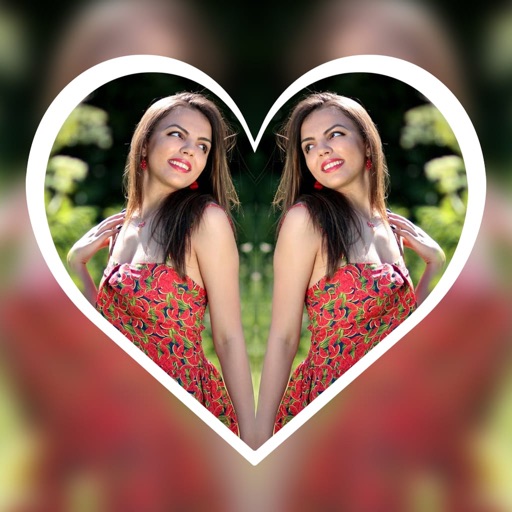
Create reflection effects with left-right, up-down, or repeat options. Apply effects and designer frames to enhanced images. Select from gallery or capture new photos for editing. Export and share edited images.
Edit photos with automatic brightness, contrast, and saturation adjustments. Apply like blurred, sketch, sepia, and vintage. Share edited images directly to social media.
Edit videos with color or blur borders. Add background and multiple audio files. Record audio for lip-sync. Include text, stickers, and or cut segments. Export without cropping for social media sharing.
Edit photos with PIP frames, collages, and creative layouts. Add crystal bottle patterns and cartoon styles. Share edited photos directly to social media. Adjust brightness, contrast, and colors. Crop and rotate images.
Take photos with color and sharp filters. Apply whiteness and beauty skin effects. Combine filters and colors for custom looks. Add contacts in 64 pattern colors. Use filters in both camera and alarm modes without charge.
Edit photos with drawing tools, text stickers, and customizable colors. Crop with adjustable ratios. Apply filters and effects to change visual styles. Adjust brightness, contrast, and saturation for professional results.
Edit photos with reshaping tools to adjust waist, hips, legs, and arms. Retouch skin and add curves or tone muscles. Save and share edited images directly.
Take black and white photos with live preview. Use colored lens filters and professional conversion settings. Adjust contrast, brightness, and exposure in real time. Add film grain and black vignetting. Export images to social media and email.
Convert documents to PDF by scanning with a mobile phone camera. Adjust image quality, crop pages, and save as PDF or image. Share files via email or cloud services. Organize scanned documents into folders and view notes.
The app offers 44 original film emulation effects and numerous natural light leaks and film textures. Users can adjust brightness, contrast, saturation, hue, temperature, mirror, rotate, and crop photos with three presets.
Create albums with 1000+ original stickers. Add text and drawings to images. Organize photos by date or event. Share albums via social media or email. Save and export edited photos in various formats.
Edit photos with effects, filters, and customizable stickers. Blend images and add 3D or overlays. Crop photos and draw on them. Apply frames and borders. Use a custom camera to capture and enhance images.