Apps Like Image Editor - Edit Photo Plus for iPhone and iPad
Photos with effects and frames
Photos by importing from camera roll. Apply effects and frames. Adjust brightness, saturation, and contrast. Crop, rotate, and straighten images. Add text, stickers, and draw. Sharpen, blur, fix red eye, remove blemishes, and whiten teeth.
by 泝诚 温★ 4.551 ratingsLifestyleFreeData updated 2026-09-13
Edit photos and videos for social media with adjustable crop ratios and aspect ratios. Save edited content to device and share directly. Create Instagram stories with customizable and add hashtags. Generate collages with multiple image layouts.
Edit photos with auto features, one-click optimization, and skin smoothing. Apply filters and stickers for enhanced visuals. Create custom grids and effects for selfies. Share edited photos directly.
Create animated GIFs, videos, or Live Photos by adding and trimming multiple videos, adjusting playback speed, and layering photos. Include text and export directly. No subscription required.
Video allow editing with watermarks and doodles, exporting and deleting background music, and converting videos to livephotos. Image generate word cloud, polygon, and block-style wallpapers from keywords or images.
Take high-resolution ID photos and save them with proper formatting. Automatically remove backgrounds and adjust skin tone. Choose from various outfits and backgrounds. Edit for brightness and clarity.
Edit photos with detailed controls including frames, filters, contrast, brightness, and saturation. Adjust images to create a classical atmosphere. Apply effects and save changes to the device's photo album.
The app offers numerous standard layouts and artistic filters, including B&W and vintage effects. Users can adjust exposure, contrast, saturation, and white balance for their photos.
Create AI avatars from photos using advanced generation tools. Choose from various artistic styles and customize appearances. Edit images with built-in tools, apply AI filters, and save or share created artwork.
Upscale images to 2x, 4x, or 6x resolution using AI. Adjust colors, brightness, and contrast with HDR. Customize output settings and save or share enhanced images.
Edit photos with AI-powered tools for background removal and image enhancement. Adjust colors, brightness, and contrast. Add text, stickers, and filters. Export in various formats and share directly.
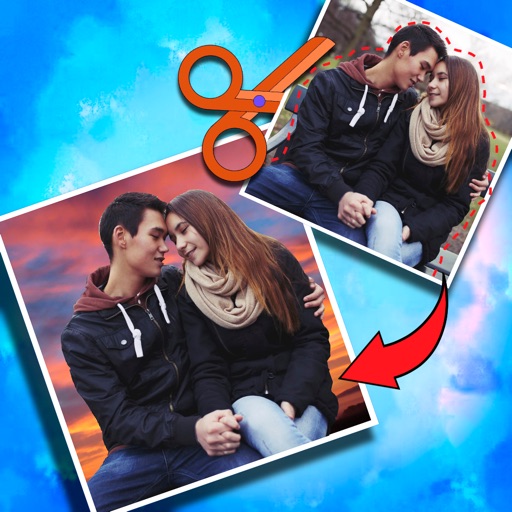
Crop photos and save individual cropped sections for later use. Combine cropped images with backgrounds or other photos to create new compositions. Apply filters to enhance the visual appearance of edited images.
Take selfies with a live beauty and apply custom filters. Create collages in 18 styles with masks and frames. Add spiral or neon effects to photos. Enhance and save library images. Capture selfies with a timer.
Allows users to resize photos to dimensions. It offers basic editing tools such as cropping, adjusting brightness, and adding text. Users can generate images for social media sharing and export edited photos directly.