Edit screenshots with redact, highlight, underline, strike, blur, blend, and pixel tools. Create and customize screenshots with notes, text overlays, GIFs, and device mockups. Adjust shadows and fillets for precise styling.
Edit photos with filters, effects, and adjustments. Add text with multiple fonts, colors, and effects. Overlay text or add captions and 3D text. Include stickers, artwork, and frames. Create collages and personalize cards with photos.
Blur image backgrounds to create effects. Select photos from gallery or capture new images. Apply multiple blurring tools to adjust blur intensity. Export edited photos to device storage.
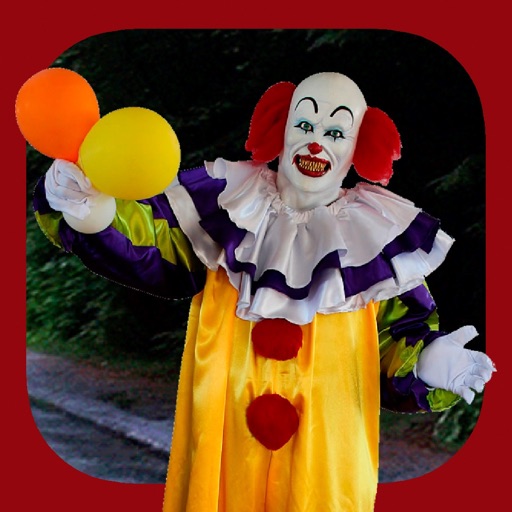
Add clown to photos for a scary effect. Choose from available , position them, and change background to black or white. Edit images using built-in tools and save or share the modified photos.
Edit and transcribe chord sheets with auto-scrolling and smart automation. Customize chord diagrams, adjust tuning, and apply capo positions. Transpose and access a virtual fretboard for alternative voicings.
Photos and scanned documents into PDF files. Edit images with filters, crop manually or automatically, and adjust to black and white or grayscale. Share PDFs via email or other supported methods.
The app offers a large collection of Hollywood special effects for photo editing. Users can add professional composition tools like color correction, motion blur, and fog to their images.
Scan and convert documents into editable formats with AI-powered recognition. Edit text, annotate pages, and organize files in folders. Share documents via email or cloud services. Export as PDF or image formats.
The app provides 2D vector drawing and design for iPad and iPhone. It offers unique offset controls for precise finger-based editing and supports iCloud synchronization with its Mac version.
The app is a cross-platform note-taking application and PDF annotation tool. It allows users to sketch ideas, take notes, and annotate imported PDF documents with various pens and ink styles.
Create collages and cards for occasions like birthdays and holidays. Choose from customizable layouts, backgrounds, and stickers. Apply filters. Add photos to designs and export for sharing. Purchase additional layouts and content packs.
Allows users to store and manage clipboard content, including text and images. Edit clips, create new ones, and organize them into folders or mark as favorites. Access favorites and folders via home screen widgets.
Create collages using various layouts. Stitch screenshots into long screenshots. Add text, stickers, and backgrounds during editing. Export edited content.
Convert photos to and with one tap. Apply various monochrome filters for different styles. Adjust brightness, contrast, and grain. Crop and resize images. Save and share edited photos directly.
Edit photos with filters, cropping, and adjustment tools. Add text, stickers, and borders. Create collages and share directly. Export in multiple formats. Sync with social media platforms.