Play chords and melodies using a tactile keyboard interface. Hold buttons and swipe or tap to create sounds. Access chords and notes via a grid for precise selection. Adjust pitch, harmonize, and apply real-time audio effects.
Edit recordings by visualizing pitch and adjusting notes individually. Correct pitch and timing issues. Explore new melodic ideas. Export edited tracks in various audio formats.
Create and manipulate polyrhythmic MIDI patterns with visual feedback. udio using five selectable sound types. Transmit MIDI data to compatible devices. Control patterns through intuitive interface with adjustable parameters.
Create and manipulate audio using a unique -based amplifier model. Adjust parameters like resonance and attack. Export audio files and integrate with digital audio workstations. Supports AUv3 and standalone modes.
Create and play music using virtual pads that respond to finger movements. Play polyphonic melodies and percussive rhythms. Explore expressive sounds and create soundscapes. Adjust volume and tone settings. Share compositions directly.
The app converts MIDI files into synchronized sheet music. It supports multiple clefs and offers song management features, including downloads and iCloud synchronization.
Create beats using step sequencers and pads. Sample sounds from Roland TR and MPC machines. Mix tracks with a built-in mixer. Record and play back custom patterns. Adjust tempo and rhythm settings. Export and share finished projects.
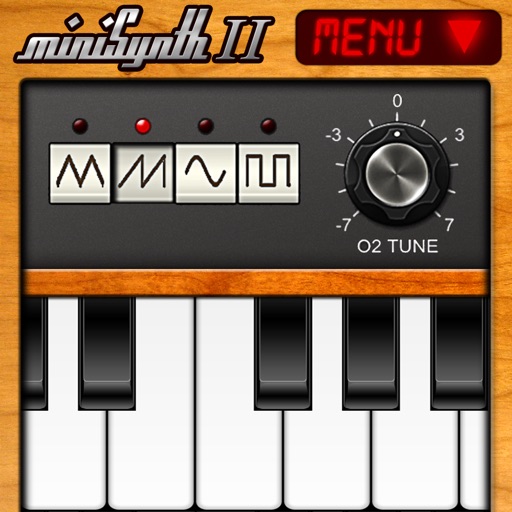
Create and edit music with a virtual synthesizer. Adjust waveforms, filters, and envelopes. Save and export audio files. Connect to MIDI devices. Share compositions directly.
Create and manipulate drum sounds using a graphic editor. Use 76 samples and synthesis drum kits. Mix and match sounds across drum kits and tracks. Load drum kits from factory or other songs to generate new compositions.