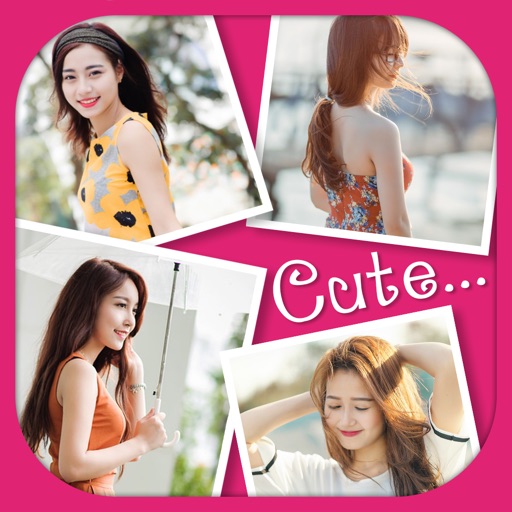
The app allows users to create photo images and collages from existing or new photographs. It offers various layouts, backgrounds, filters, decorations, text, and stickers for image customization.
Personalized photo frames with customizable borders and background designs. Add text messages or notes to photos. Share decorated images directly through social media or messaging apps. Edit photos with basic tools to adjust brightness and contrast.
Create stickers by drawing lines to separate objects from photos. Store and share stickers via social media or messaging apps. Use stickers to design collages and combine with photos for creative images.
Take photos with real-time beauty filters and effects. Apply makeup and adjust skin tone instantly. Use photo filters to enhance images. Create collages by combining multiple photos. Edit with blur, whiten, and other tools.
The app allows users to create custom collage layouts with multiple images or choose from premade layouts. Users can add text in straight lines or curved around shapes, and use selected images as backgrounds for other images.
Create clouds by selecting color themes, fonts, and layouts. Choose from six layouts including horizontal, vertical, and half and half. Input text to generate clouds where common words appear larger.
Create photos with customizable . Select from options. Add photos from gallery or capture new ones. Apply filters for enhanced appearance. Include stickers or emojis. Save and share edited images.
Create collages with up to 16 images. Rearrange photos and select from 200+ grid layouts. Adjust spacing, padding, and layout ratio. Apply filters to multiple photos or individually.