Play chords and melodies using a tactile keyboard interface. Hold buttons and swipe or tap to create sounds. Access chords and notes via a grid for precise selection. Adjust pitch, harmonize, and apply real-time audio effects.
The app converts MIDI files into synchronized sheet music. It supports multiple clefs and offers song management features, including downloads and iCloud synchronization.
Create and edit music with virtual instruments and audio effects. Record and arrange compositions. Export tracks in various formats. Share finished songs directly. Import audio files for integration.
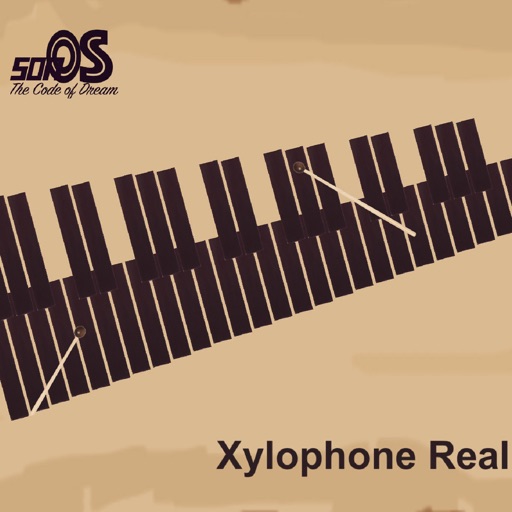
The app simulates a marimba, a percussion instrument with wooden keys arranged like a piano. It produces musical tones when struck with mallets, offering a chromatic layout for performers.
Create piano videos by adding real video footage and customizing with particles, lights, and 3 visualization styles. Edit MIDI files, choose music colors, and render in 4K. Sync with keyboard saber and export final videos.
Through structured lessons focused on one subject at a time. Complete exercises to reinforce concepts. Track progress and expand knowledge systematically. Sync devices for continued learning.
Create music using touch-based sampling and gesture recording. Explore samples for melodies and textures with various play modes. Record compositions and experiment with audio in real-time.
The app teaches note recognition and sight-reading skills through a musical game. It features an animated character and adjustable difficulty for players of all ages and skill levels.
Allows guitarists to control MIDI instruments and loops using a guitar-mounted controller. It enables playing synthesized sounds, arpeggiated patterns, and layered instruments. Users can record and playback audio files triggered by guitar notes.
Play the oud instrument with realistic acoustic sound. Access scales and notes for practice. Record and share music on social media. Use a piano interface with oud sounds. Manage audio files and engage with interactive features.
MIDI/MPE controller for Studio on MacOS. Map controller inputs to parameters. Adjust modulation, velocity, and pressure sensitivity. Customize layouts and save presets. Connect via USB and support multiple devices.
The app emulates vintage 80's hardware drum machines with a realistic interface. Users can play included rhythm presets or create their own patterns, with control over drum kit parameters and song mode.
Practice ear with customizable exercises for chords, intervals, and scales. Track progress across different disciplines. Use a configurable for visual feedback. Access tutorials and follow guided lessons for skill development.
Practice interval recognition, pitch identification, and transcription skills using a virtual piano. Play melodies, replay them, and replicate the notes. Track progress with scores and improve improvisation and self-esteem through regular use.