Create and edit musical scores with tablature and notation tools. Add chord diagrams and guitar effects. Play back compositions and share files. Supports stringed instruments like guitar and bass.
Play rhythm-based games with customizable tracks. Tap notes to create melodies. Adjust tempo and volume. Save and share custom compositions. Track progress and unlock new themes.
Create and manipulate sounds using additive synthesis. Adjust sine wave parameters to shape timbres. Layer multiple partials to build complex tones. Save and export custom sound designs. Import and export audio files for further processing.
Create and manipulate sound using two oscillators and one noise generator. Adjust frequencies in Hz or MIDI notes. Apply lowpass filters individually to each . Use panning for spatial effects.
Create music using a grid-based with clip arrangement. Manipulate clips through copy, duplicate, merge, combine, and drag-and-drop actions. Access quantize and clip length tools. Connect to plugins and external devices for sound generation.
Simulate the ANS synthesizer by drawing spectrograms to create music. Adjust parameters like pitch, amplitude, and envelope. Play back compositions and export audio files. Learn about the history and unique capabilities of the ANS instrument.
Create and play musical projects using clip-based sequencing. Use built-in to generate notes, chords, arpeggios, and rhythms. Connect external instruments or MIDI hardware. Apply effects and arrange audio elements for performance or production.
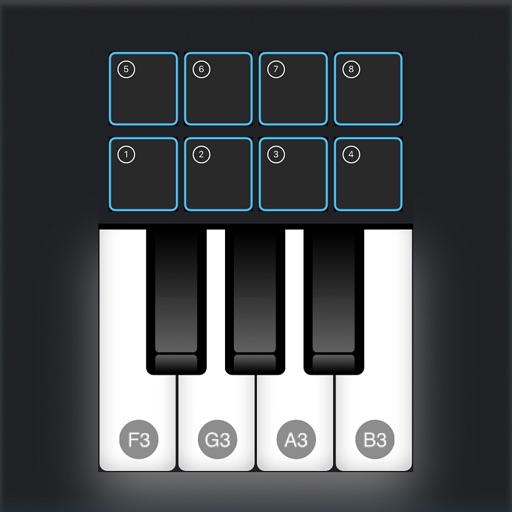
The app is a matrix-controlled arpeggiator that allows users to play arpeggios with their thumbs. It offers control over pitchbend, tremolo, and vibrato using the iPad's accelerometer.
Simulate a Hammond Organ B3 with two manuals and a pedalboard. Adjust drawbars for upper and lower manuals and pedalboard. Use a physical modeling engine with 91 tonewheels. Apply rotary speaker effects and tube overdrive.
Practice with progressive drills for all seven clefs. Learn sight- through interactive exercises tailored to your instrument. Track progress with detailed feedback and adjust difficulty levels as skills improve.
The app is a musical instrument designed to play arpeggios. Users can design arpeggio patterns and control speed, pitch, volume, pitchbend, and vibrato.
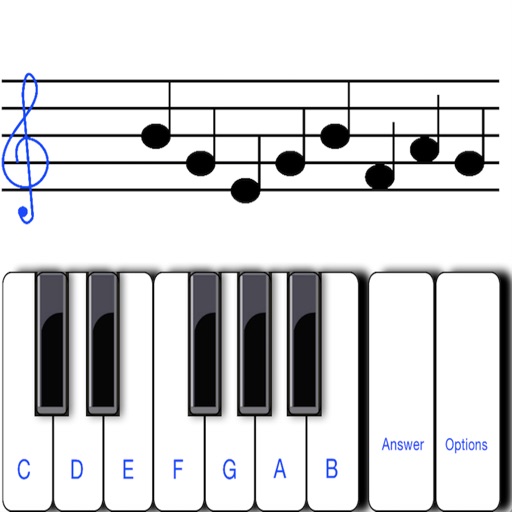
To sight notes in G and F clefs. Practice notes across six octaves, including those above and below the staff. Randomly generated notes apply to any instrument. Switch clefs for varied practice. Beginners can limit octaves and set their pace.
Explore and with interactive virtual and staff notation. Play and ascending, descending, and harmonically. Adjust root notes and inversions. Compose songs by arranging and progressions.