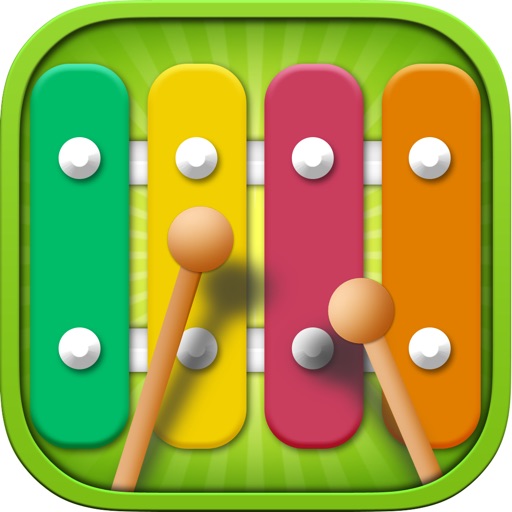
Play a 3-D xylophone and other musical instruments. Tap keys to create melodies. Choose from different instruments and difficulty levels. Share created music with friends. Track progress and unlock new content.
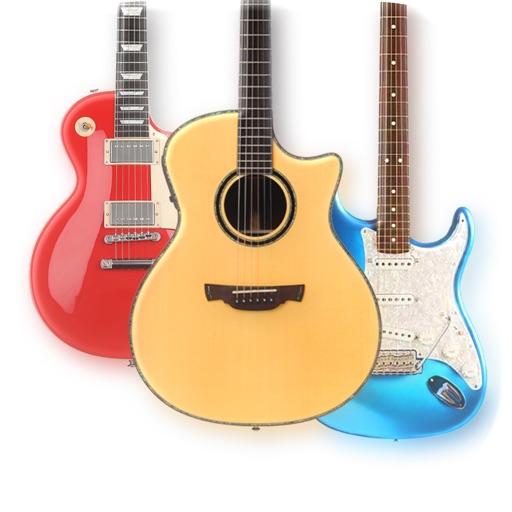
The app provides a lifelike virtual guitar experience with studio-recorded sounds. Users can play chord buttons or form chords with forgiving finger position recognition.
Train musical ear by identifying scale degrees through sustained drones. Practice melodies by playing them on your device. Receive instant feedback on accuracy. Customize training sessions with different keys and difficulty levels.
The app provides a novel arrangement of notes for playing music. Sliding a finger produces chords, with higher importance notes and chords surrounding them.
Set tempo and meter for practice or performance. Choose from four sound options or use silent mode. Display tempo terms and adjust BPM by tapping. Track timekeeping with precise timing.
Learn to play the by recognizing musical notes and pressing keys to create chords. Practice playing simple tunes. Explore other musical instruments in the . Track progress through interactive lessons and exercises.
Create and play music using virtual pads that respond to finger movements. Play polyphonic melodies and percussive rhythms. Explore expressive sounds and create soundscapes. Adjust volume and tone settings. Share compositions directly.
Create and edit custom sounds with a powerful engine. Apply effects and adjust parameters through an intuitive touch control interface. Play music with a friendly animated that performs in real-time.
The app offers a musical experience with eight glowing instrument sounds including piano, drums, and guitar. Users can record their music and replay it with different instruments.
The app introduces children to music with a colorful baby xylophone. It features background music, nursery rhymes, and smooth animations to keep young minds curious and engaged.
Create and edit musical scores with multi-staff and multi-voice editors. Add notes and chords using the Pencil tool. Transpose sections with vertical drag. Use On-Screen piano for quick composition. Select and adjust elements with the Select tool.
Learn fingering positions with visual charts and audio demonstrations. Choose between Bb and C trumpets. Listen to each note's sound. Access lessons for beginner guidance. View interactive demonstrations by a live player.